











Answers
Frequently Asked Questions
Everything we are asked most often, in one place — choosing a machine, choosing a material, getting parts made, and what happens after you have bought something. If your question is not here, ask us; we will add it.
Printers & accessoriesMaterialsManufacturing servicesSupport & warranty

Buying a printer
Choosing a Machine
Which Fracktal printer should I buy?
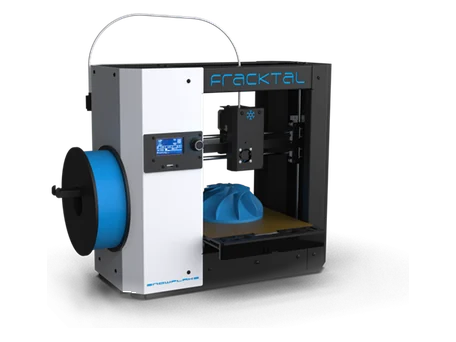
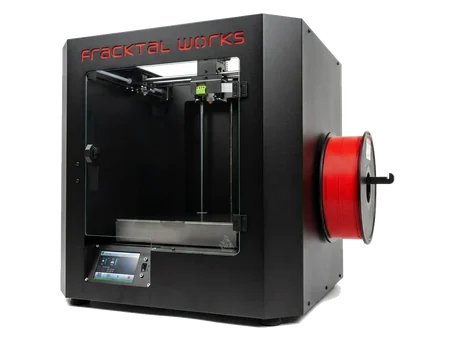
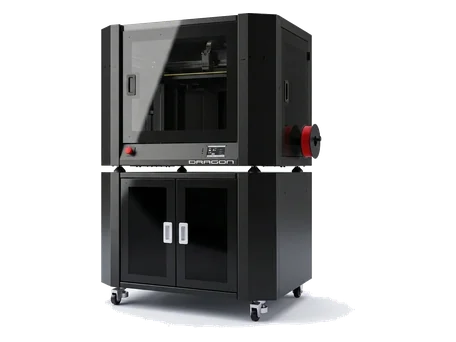
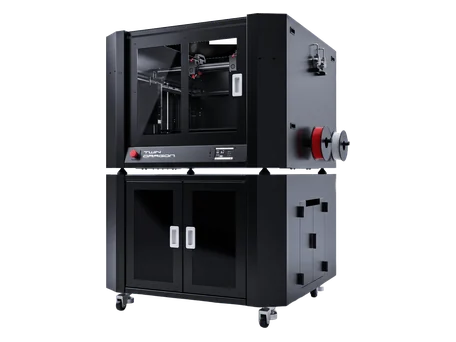
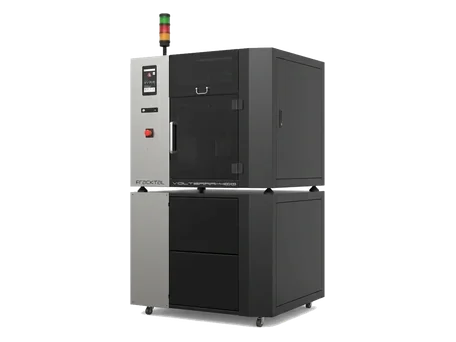
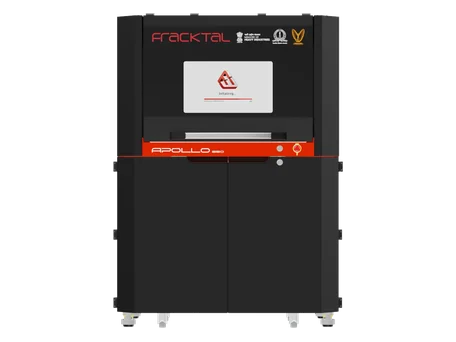
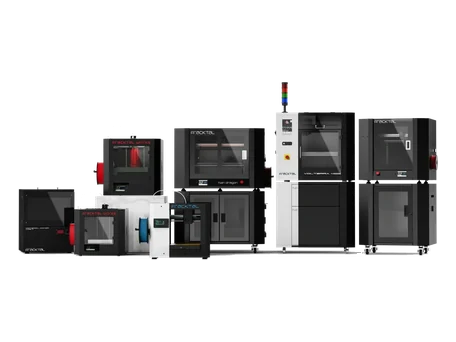
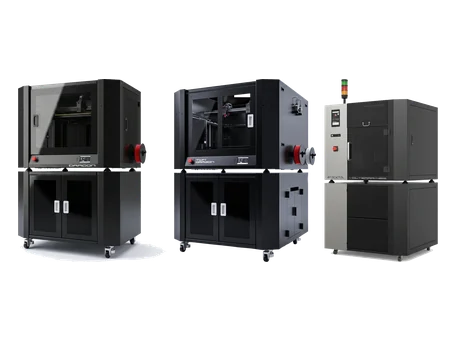
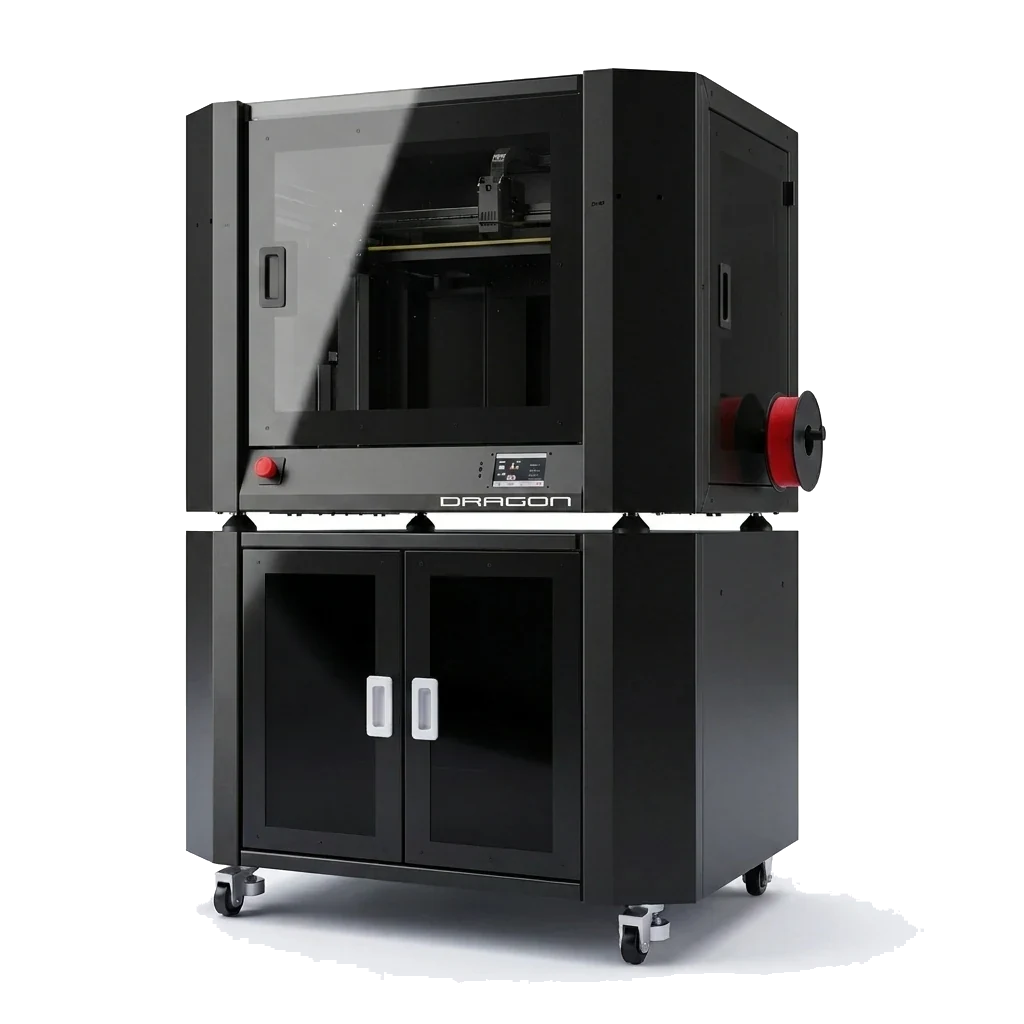
It comes down to what the parts have to survive. Snowflake is the plug-and-play desktop machine for PLA, PETG and general work up to 280 °C. Julia adds genuine connectivity — Wi-Fi, an integrated camera and OctoPrint — which is what labs and classrooms want. Dragon is the high-speed industrial machine, up to 600 mm/s and up to 700 × 400 × 400 mm. Twin Dragon adds a second independent extruder for two-material and soluble-support work. Volterra exists for the materials the others cannot reach — 450 °C nozzle, 90 °C heated chamber. Apollo SLS is powder bed, for parts that cannot be printed with supports at all.
What is the difference between FDM and SLS?
FDM extrudes a molten filament along a path and needs support structures under overhangs; SLS fuses nylon powder with a laser and the unfused powder holds the part up, so there are no supports at all. FDM gives you a much wider material range and a lower cost per cubic centimetre; SLS gives you geometric freedom, near-isotropic strength and batches that nest in three dimensions.
Do I need an enclosure?
For PLA and PETG, no. For ABS, ASA, PC, PC-ABS and PP, yes — they warp and delaminate in a draught. Every industrial machine in the range is enclosed; Snowflake and Julia are the ones to check against the material you plan to run.
Can I try a machine before I buy one?
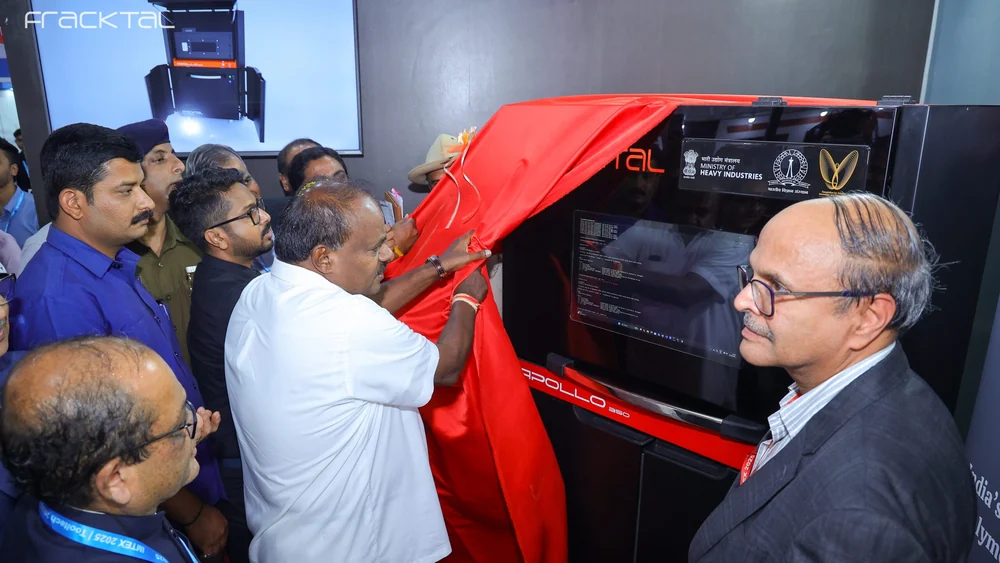
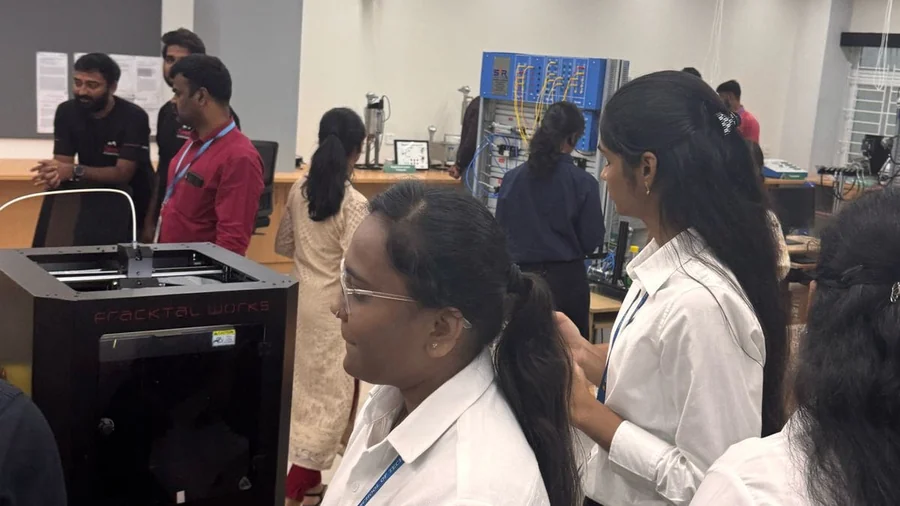
Yes. We have authorised resellers across India who will demonstrate on a real machine near you, and we run demonstrations in Bangalore. Tell us your city and what you want to print.
Is the printer made in India?
Yes. The machines are designed and built in Bangalore, and supported from there — which is also why a spare part is a courier away rather than an import.
Materials
Choosing a Material
Which material should I use?
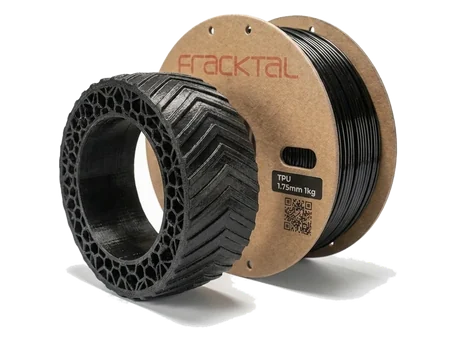
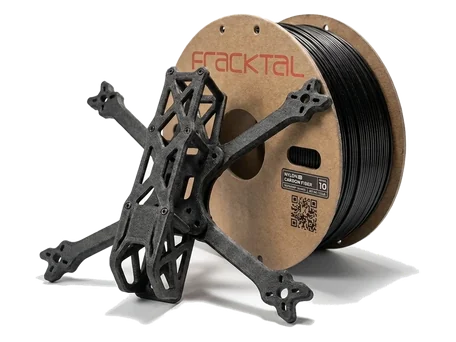
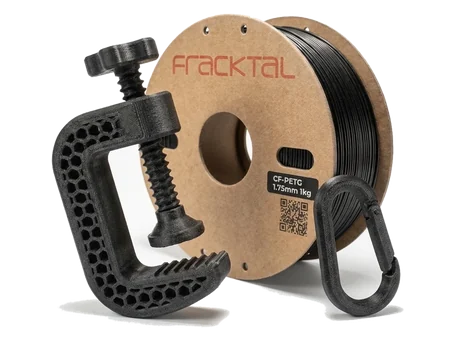
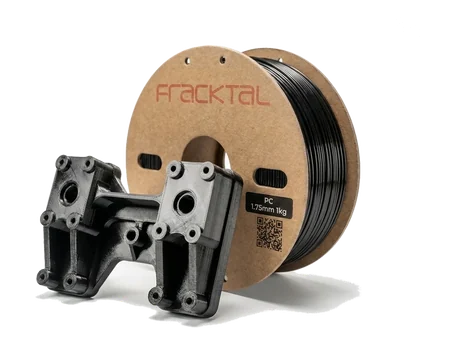
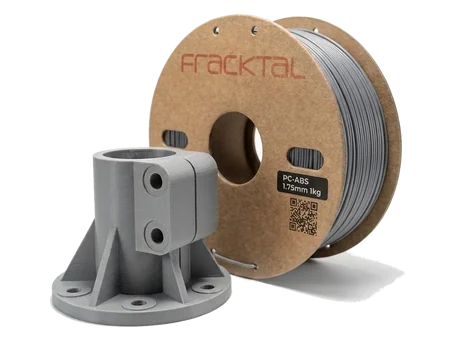
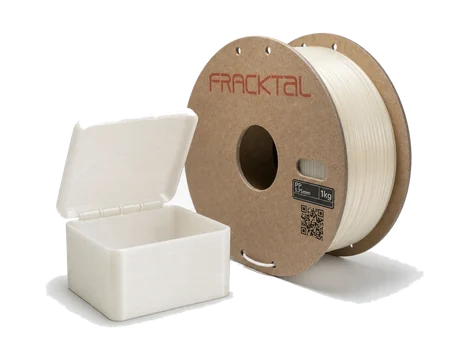
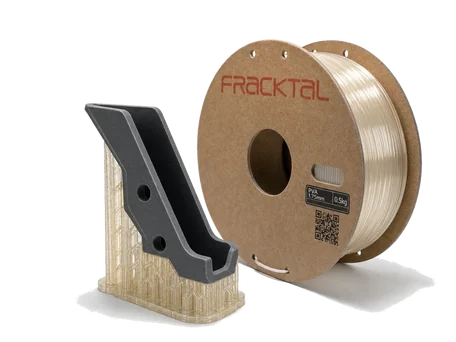
Start from the failure you are trying to avoid. Heat → polycarbonate or PC-ABS. Sunlight → ASA. Chemicals or water → PP. Stiffness with low weight → CF-Nylon. Toughness and wear → Nylon PA12. Flexibility → TPU 95A. Everything else, most of the time → PETG. We publish measured properties, print parameters and design rules for all twelve materials, so you can check rather than guess.
Which materials need drying?
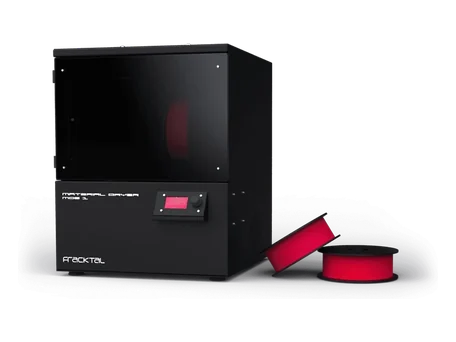
All the nylons, PC, PC-ABS, PETG after long exposure, and PVA above all — PVA takes up 5 % of its own weight in water inside a day. PP is the exception: it absorbs essentially nothing. Our MDS1 Material Dryer handles up to three 1 kg spools at once and dries the whole spool, not just its surface.
Can I use third-party filament?
Yes. The machines are open-material. Our filament is characterised against our printers with profiles already in Fracktalory, which is the reason to use it rather than a lock that says you must.
How do I get a good first layer?
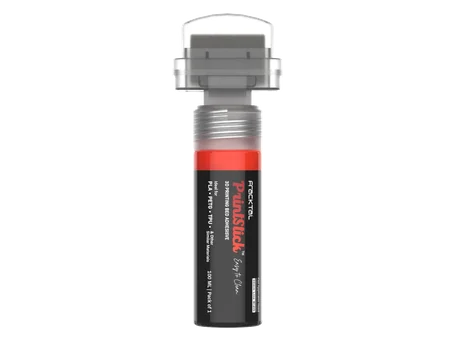
Level the bed, get the first-layer height right, and give the material a surface it actually sticks to. For most materials PrintStick is the shortest route: water-washable, no residue, and it works on glass, PEI and flex plates. PP is the special case: it only sticks to PP, so print onto PP tape or a PP sheet.
What material do you recommend for outdoor parts?
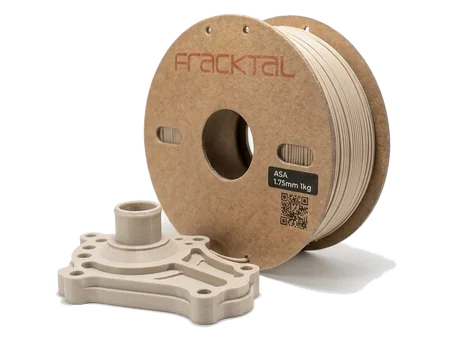
ASA. It is the UV-stable relative of ABS — the acrylate monomer absorbs UV, so colour and surface survive direct sunlight where ABS chalks and cracks. Add a clear UV topcoat if the part has to last years rather than seasons.
Manufacturing services
Getting Parts Made
How do I get a quote?
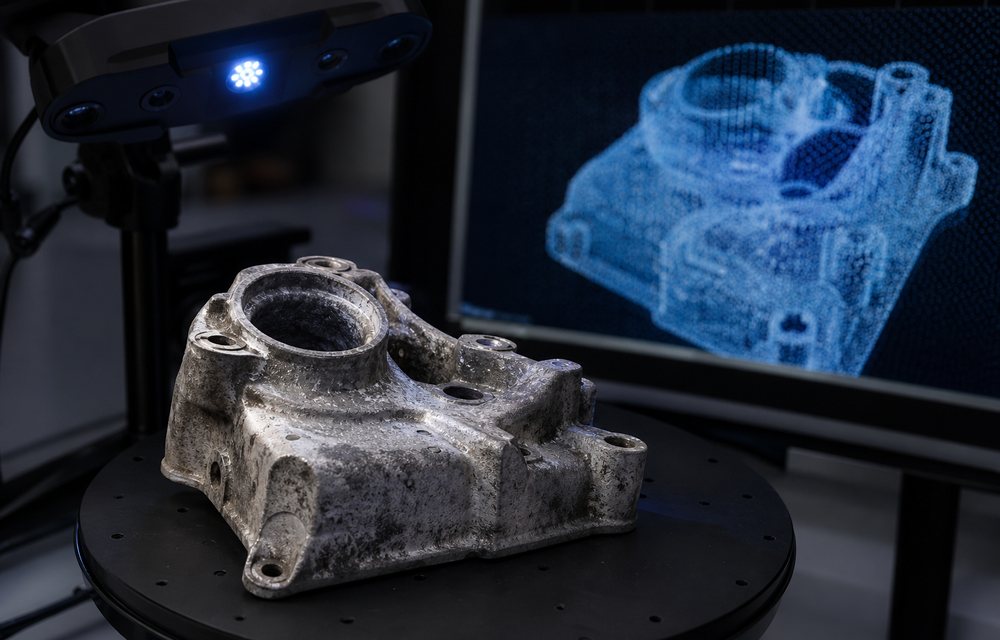
Upload the 3D file, choose a process and tell us the quantity and finish. We come back with a design-for-manufacturability analysis and a price — the problems before the invoice, not after it. Approve the quote and the job goes on the floor; you get tracking when it ships.
What accuracy can I expect?
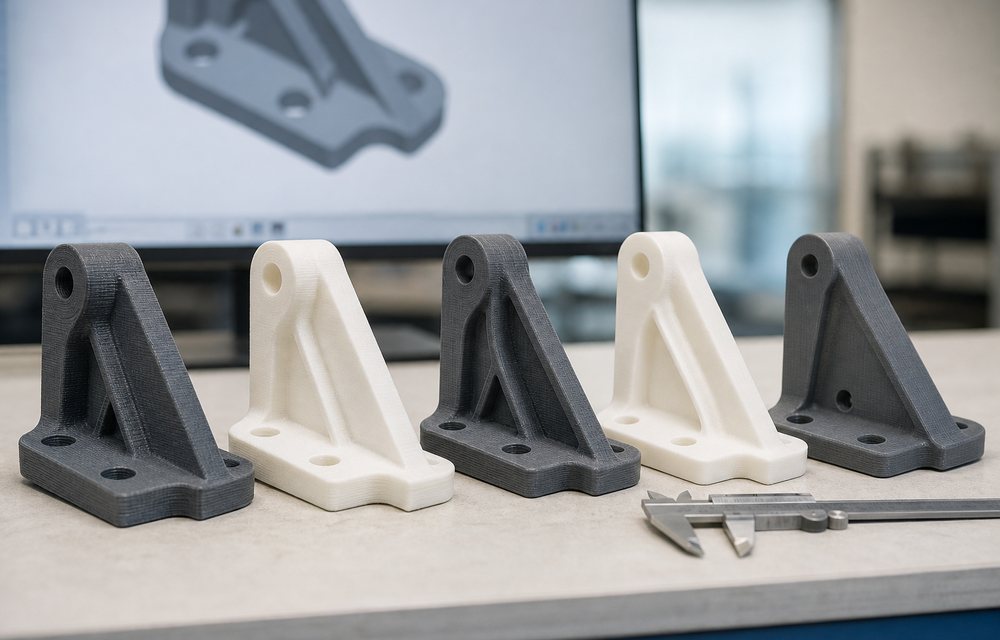
SLA ± 0.2 %, SLS ± 0.3 %, FDM ± 0.5 %, and CNC machining ± 0.1 % with a 0.1 mm lower limit. Those are the working figures we quote against, and we will measure against your drawing and issue a first-article report if you ask for one.
What does a part actually cost?
It depends on volume, process and finish, but here are six real jobs: HP MJF 150 × 150 × 20 mm in Nylon 12, ₹21,000. HP MJF 200 × 200 × 50 mm in Nylon 12 painted black, ₹35,000. FDM 40 × 100 × 80 mm in CF-Nylon, ₹2,600. FDM 200 × 100 × 50 mm in ABS, ₹1,400. SLA 60 × 100 × 30 mm in clear resin, ₹6,000. FDM 150 × 150 × 30 mm in PLA, ₹950.
Do you do finishing and assembly?
Yes, in-house on the same floor as the machines. Support removal and de-powdering are standard; beyond that you can specify sanding, bead blasting, vapour smoothing, dyeing, priming and painting to a RAL or Pantone reference, threaded inserts and full sub-assembly with a function check.
Is there a minimum order?
No. One part is a normal order, and it is priced as one part. Quantity changes the price per part on the powder-bed processes in particular, because a full build chamber costs little more to run than an empty one.
Do students get a discount?
Yes — 20 % off for anyone ordering from a valid school or college email address, with no form to fill in. We also fully sponsor a small number of innovative student projects each year; get in touch if you think yours qualifies.
Owning a Fracktal
Support, Software and Warranty
What warranty comes with a printer?
Twelve months on the machines in the range. Buying through an authorised reseller does not change it — the warranty and the support are the same either way.
What software do the printers use?
Fracktory, our own Cura-based slicer, free for every machine we sell. It ships with pre-configured profiles for each model and nozzle, automatic material and nozzle detection, live print monitoring and a drag-and-drop job queue. Download it from GitHub; you can also use any slicer you prefer.
Where do I find manuals and troubleshooting?
The Knowledge Base at fracktal.in/kb/ — machine manuals, assembly and inspection guides, firmware and display setup, slicer documentation and a long troubleshooting section written from real service tickets.
How do I raise a support issue?
Raise a ticket through our support portal. Include the machine, the material, the slicer profile and a photograph of the failure; if it is a print-quality problem, the G-code helps more than a description does.
Do you ship outside India?
Talk to us. Machines, materials and manufactured parts each have their own shipping and customs considerations, so tell us the destination and what you need and we will tell you what is realistic.
Still looking
Where to Go Next
Machines
The Printer Range
Seven machines from plug-and-play desktop to production powder bed, all made in Bangalore.

Materials
Twelve Materials
Measured properties, print parameters and design rules for every material we publish.

Services
Get Parts Made
FDM, SLS, HP MJF, SLA and vacuum casting — upload a file and get a DFM review and a price.
Support
Knowledge Base
Manuals, setup guides, firmware and a troubleshooting section written from real service tickets.
Question not answered here?
Ask it. If it is a good question we will add it to this page, which is how most of the answers above got here.