










3D Printing in Schools: What a Classroom Printer Teaches


3D printing in schools works when the printer is treated as a tool for making things, not as a subject in itself. The schools that get the most from a printer are the ones where it runs during the week, prints what the children designed, and fails often enough that they learn why. This is what a classroom printer actually teaches, what to buy, and how to set it up so that it is still in use in the third year.
What a printer teaches that a screen does not
The lesson in 3D printing is not printing. It is the loop: draw a thing, make it, see that it is wrong, and change it. Children who have done that ten times have learned something about engineering that no amount of theory delivers, and the printer is the cheapest, safest machine that closes the loop in a school day.
- Spatial reasoning and CAD. Modelling a part in three dimensions, with real units, is a skill that transfers to every branch of engineering and to architecture, product design and medicine. Free tools such as Tinkercad and Onshape run in a browser on school computers.
- Measurement and tolerance. The first lid that does not fit its box is the first lesson in tolerance most children ever get, and it is unforgettable.
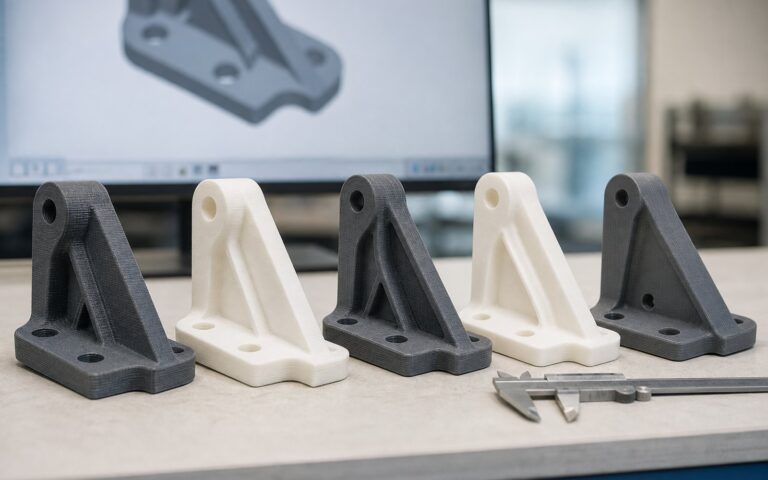
- Iteration. Version two is better than version one, and the printer makes version two cheap enough to try.
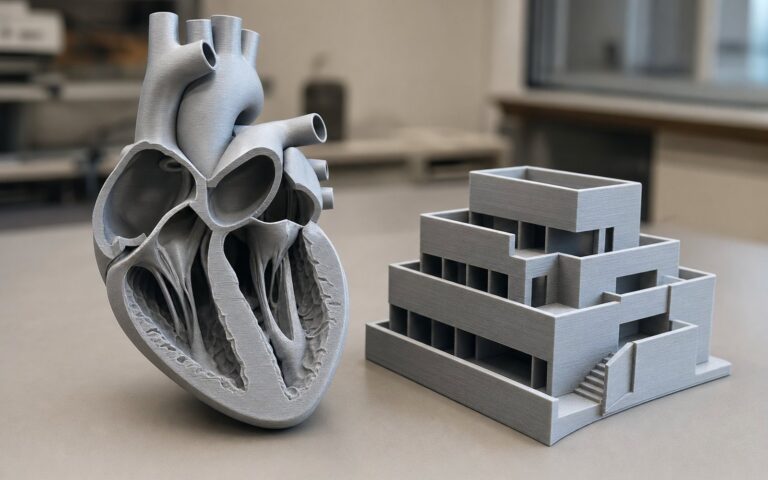
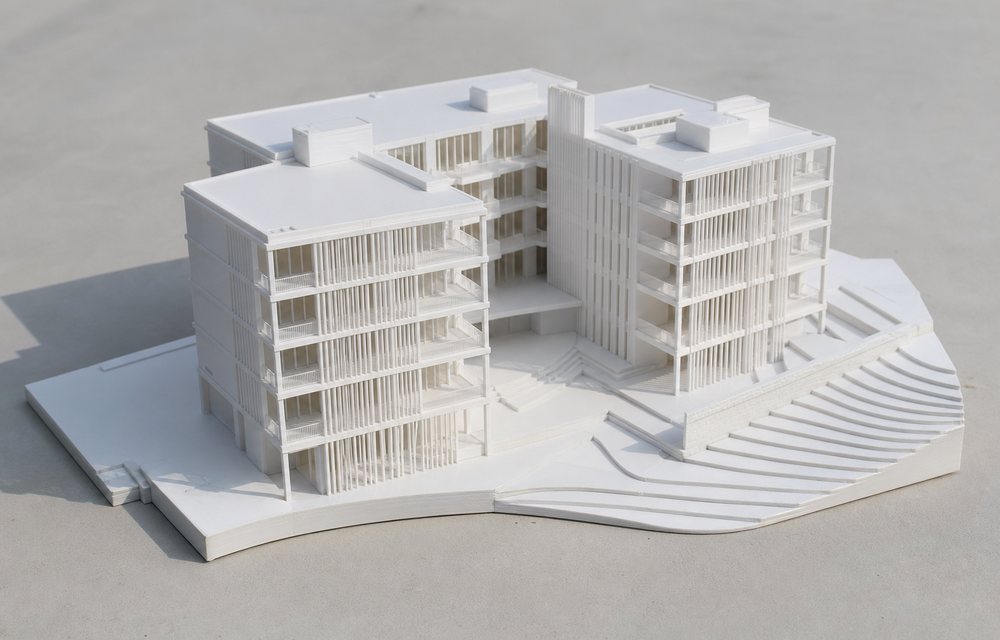
- Cross-curricular models. A cell, a molecule, a topographic map, a Roman aqueduct, a mathematical surface: printed models give biology, chemistry, geography, history and mathematics an object to hold.
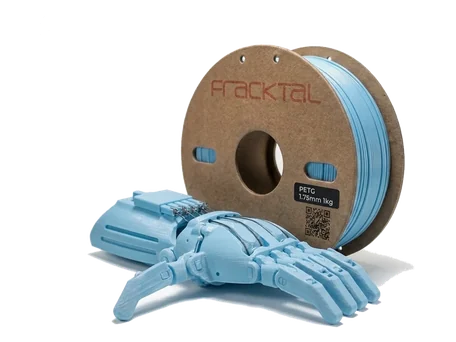
- Projects with a customer. A stand for the class tablet, a replacement knob for the lab tap, a tactile map for a visually impaired classmate. Making something somebody needs is the point where a project becomes engineering.
Which printer, honestly
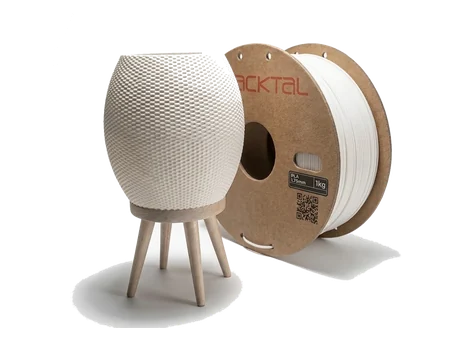
A school printer has to be safe, reliable, quiet enough for a classroom, and simple enough that a teacher can run it without becoming a specialist. That points at a desktop FDM machine printing PLA, which is non-toxic, plant-derived, prints at low temperature and needs no enclosure.
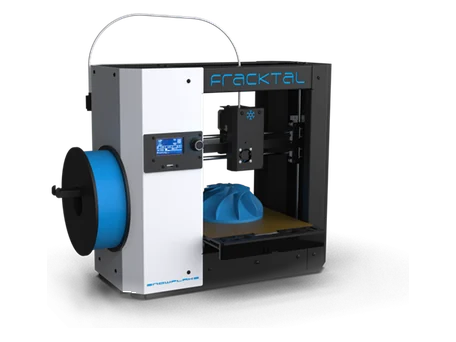
- The Snowflake is the machine for a first printer: plug-and-play, auto bed levelling, a filament sensor, and a 200 × 200 × 200 mm bed that covers everything a class will design. It prints well before anyone has tuned it.
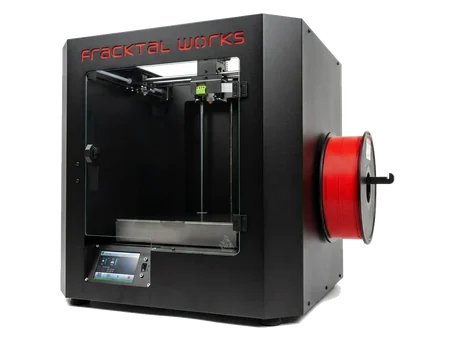
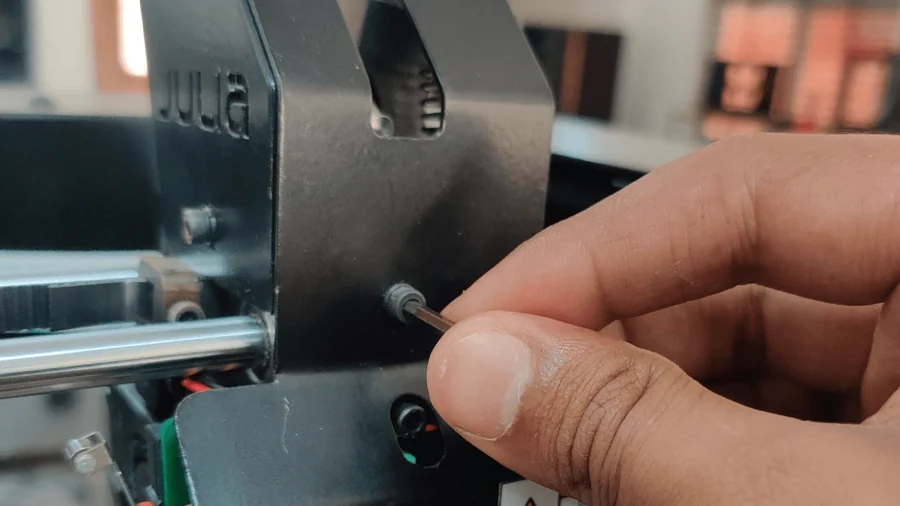
- The Julia is the machine for a lab that will run all day: 60 µm resolution, an integrated camera and web interface so a teacher can check a print from the staff room, and a hotend that reaches the engineering materials for senior projects.
Both are designed and built in Bengaluru, with support from a team here rather than a forum abroad, and schools ordering from an institutional email address get a 20 % discount on printing services. Our education page has the details.

Setting it up so it survives year three
Most school printers stop being used in the second year, and the reasons are always the same. These are the fixes.
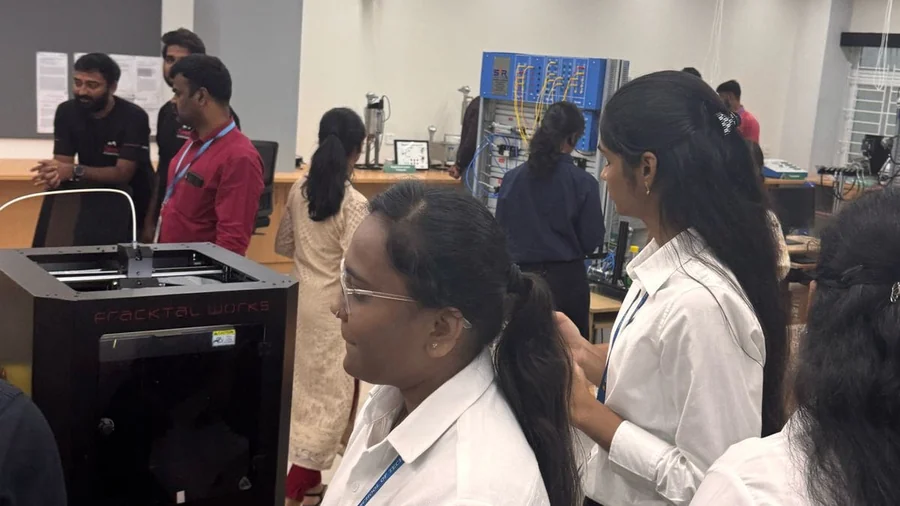
- Put it where people are. A printer in a locked cupboard prints nothing. In the library, the design lab or a corridor window, running, it recruits its own users.
- Two trained adults, not one. When the one trained teacher leaves, the printer stops. Train two, and a student technician team.
- Budget for filament. A spool of PLA prints a class of thirty small projects. Plan on a spool a month per printer and it will never be the reason a project waits.
- A queue and a rule. Prints are submitted with a name and a purpose; small prints jump the queue; nothing prints without a design file the student made. The rule keeps the printer for learning rather than downloads.
- Let it fail. A failed print is a lesson in adhesion, overhangs or wall thickness. Keep the failures on a shelf with a note about why.
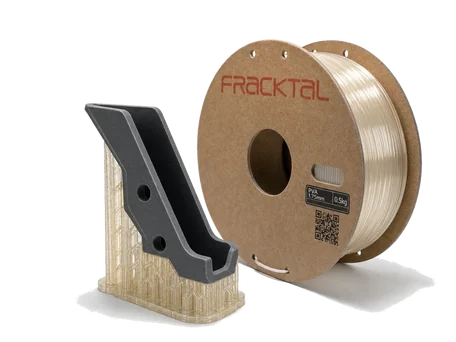
- Dry the filament. In most of India, PLA left open absorbs moisture in weeks and prints badly. A sealed box with desiccant, or a material dryer for a busy lab, is the difference between good prints and a reputation for unreliability.
Project ideas that work
Start small and useful. Name tags with a hook for a bag. A phone stand designed to fit one specific phone. A box with a lid that fits (the tolerance lesson). A model of the school building from a satellite map. A working gear train. A bridge printed to a material limit and load-tested to failure. A tactile version of a diagram for a classmate. By the second year the students will be proposing better ones.
National context
The Atal Innovation Mission’s Atal Tinkering Labs have put 3D printers into thousands of Indian schools, and the National Education Policy’s emphasis on experiential and vocational learning gives the printer a place in the curriculum rather than the club. The schools that benefit are the ones that treat the printer as a tool with a purpose, which is the argument of this whole article.
For colleges
An engineering department has different needs: more machines, engineering materials, and a lab that runs unattended overnight. That is its own article: 3D printing in engineering colleges. For a school, the first step is a single reliable printer in a place where the children can see it, and the contact page is where to ask us which one.