
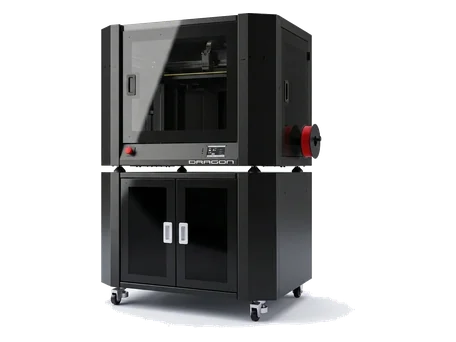
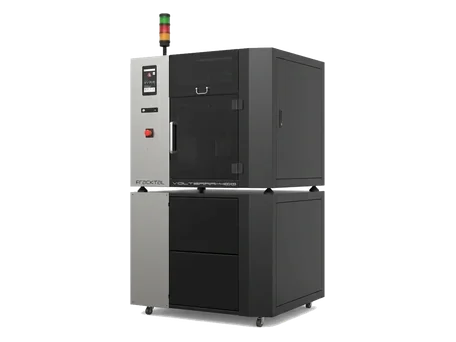
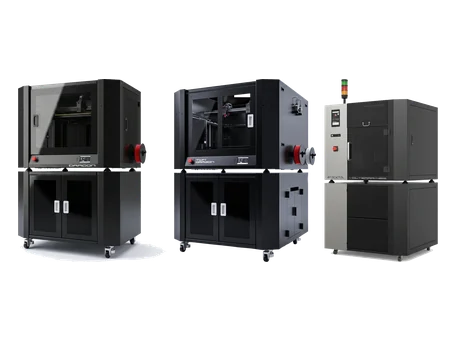











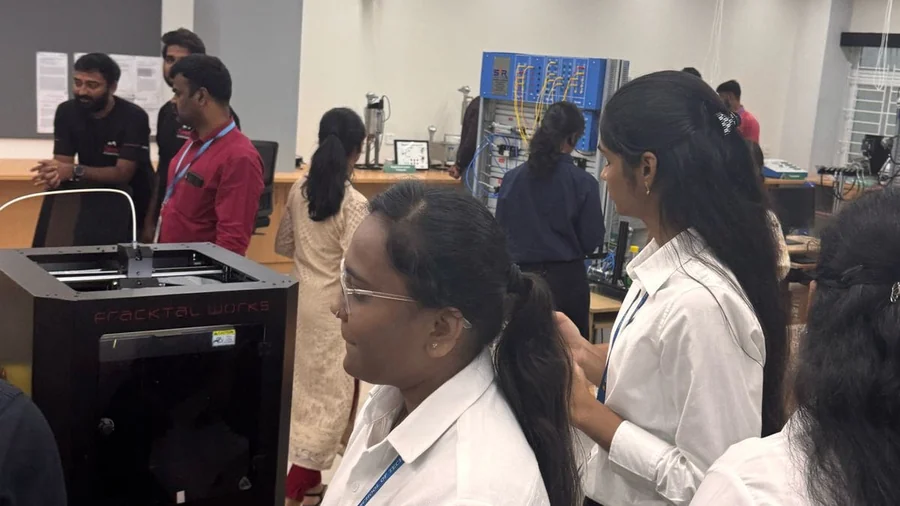

Volterra
Filament handling, sensors and troubleshooting for the high-temperature machine.
 Changing Filament (Julia Pro & Volterra)Fracktal Printers support a wide variety of materials. This article will guide you through the procedure to change the filament.
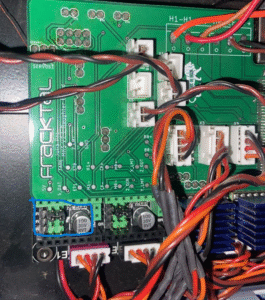 E1 Extrusion Issues (Volterra)Volterra E1 extruder over-extruding or under-extruding: the causes and the calibration steps that fix it.
- Filament Sensor Not Working (Volterra)Fracktal machines are equipped with filament sensors that automatically pause the print as soon as the filament runs out.
- Layer Shifting from a Damaged Belt (Volterra)Belts are the main driving elements of our 3D printers. The belts used in our printers are robust and withstand all the forces exerted on them during…
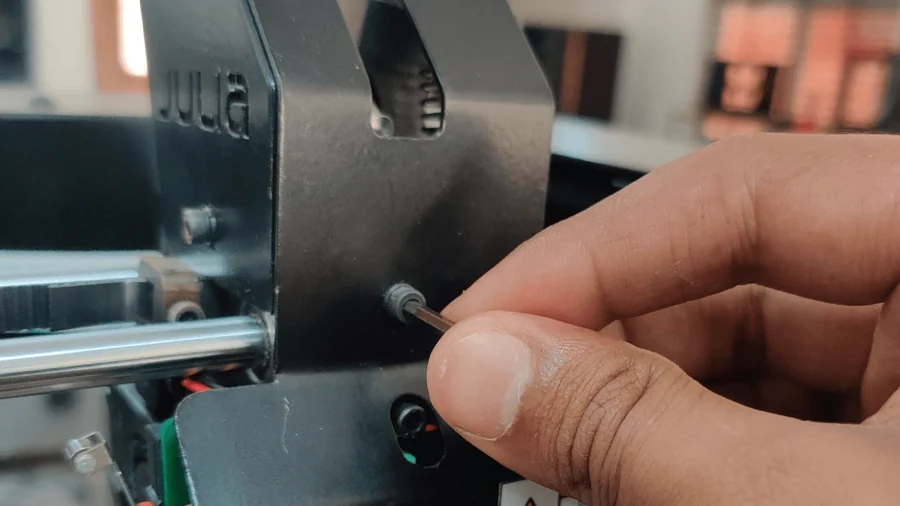
 Layer Shifting from a Slipped PulleyMotor Pulley is mounted on the Motor shaft with the help of a grub screw.
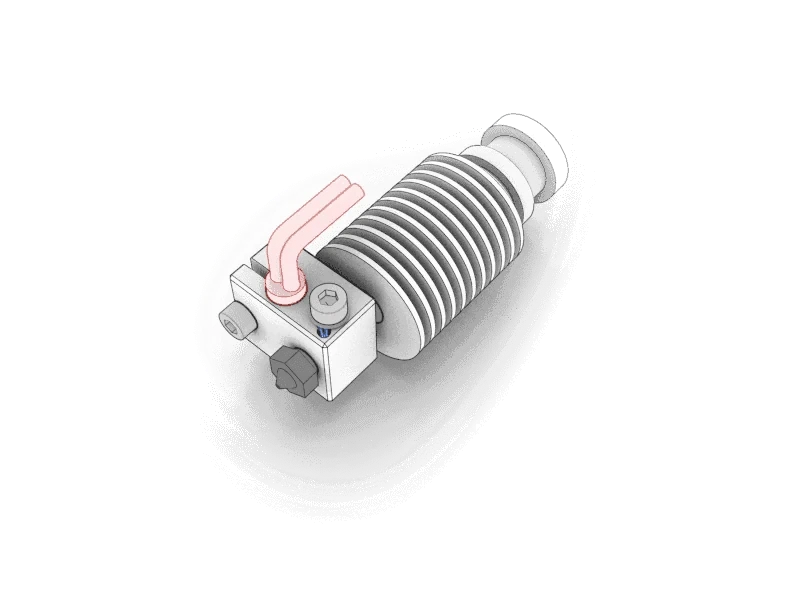
 Replacing the Nozzle and PTFEWhy the nozzle PTFE matters for print quality, how it wears, and the procedure for replacing the nozzle and the PTFE tube.
 What’s in the Accessories Box (Julia Pro & Volterra)What ships in the Julia Pro and Volterra accessories box - power cable, PTFE tube, pen drive and the rest - and what each item is for.
Still stuck?
Send us the G-code, a photo of the part and the machine's serial number, and an engineer will look at it with you. The G-code guide shows what to export.