
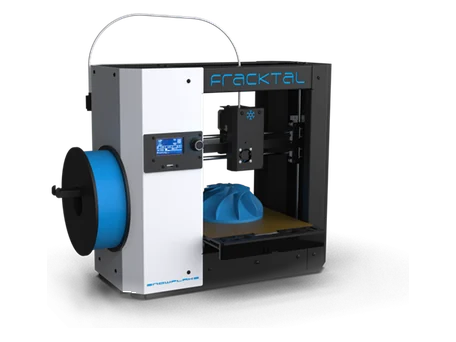
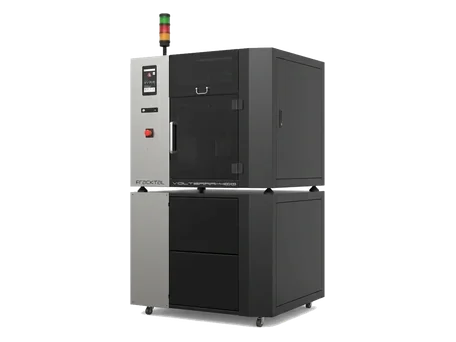
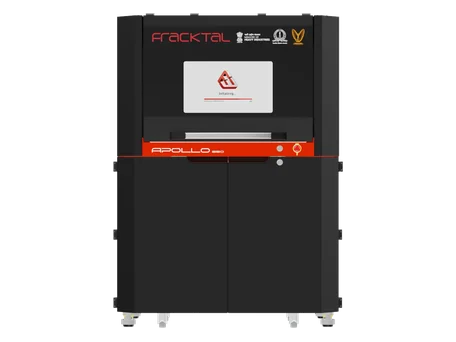
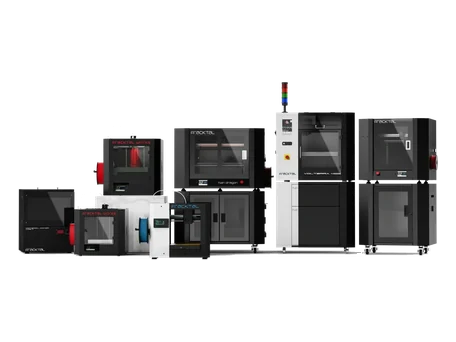
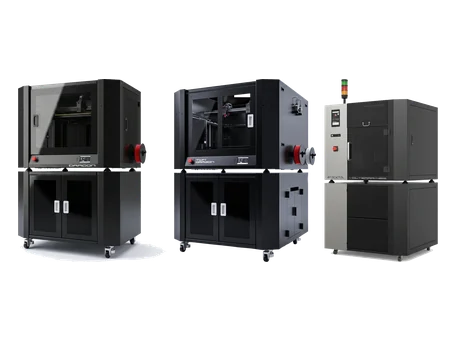














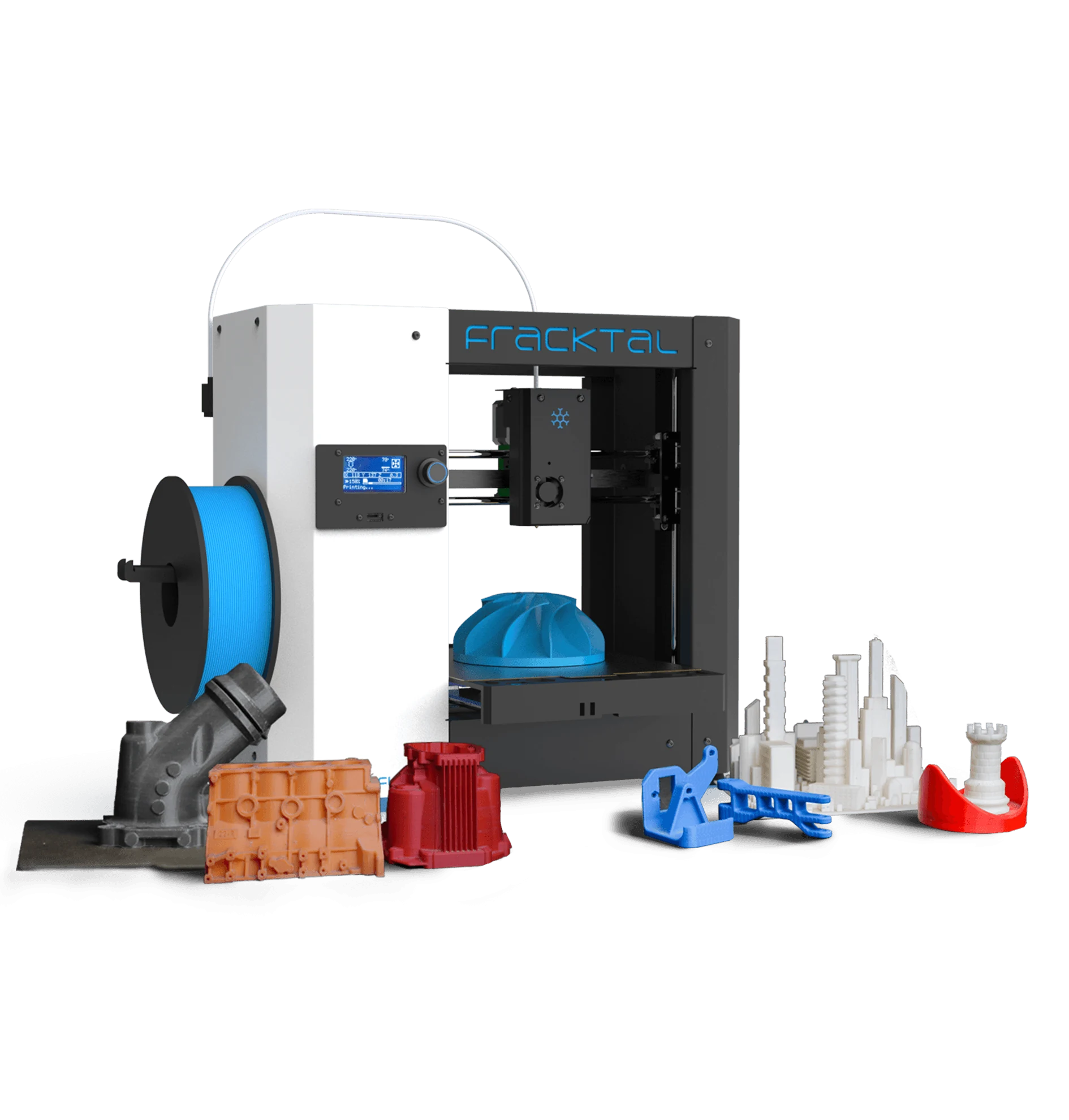
Snowflake
From the box to the first print: unboxing, site setup, assembly, firmware.
- Firmware & Display Setup (Snowflake)This section provides instructions for setting up, updating, and verifying the firmware and display configuration of the Snowflake 3D Printer.
- Mechanical Assembly & Inspection (Snowflake)This manual provides detailed procedures for assembling, aligning, and inspecting the mechanical components of the Snowflake 3D Printer before…
- Pre-Installation Requirements (Snowflake)This section provides the essential pre-installation checks and environmental requirements to ensure optimal setup and safe operation of your Snowflake…
- Site Setup: Electrical & Network (Snowflake)Siting and connecting a Snowflake: a stable surface with clearance, ambient temperature limits, the electrical connections and network setup, step by step.
- Unboxing & Inventory Guide (Snowflake)This guide outlines the steps to safely unbox your Snowflake 3D Printer and verify all included components before installation.
 What’s in the Accessories Box (Snowflake)What ships in the Snowflake accessories box - power cable, PTFE tube, pen drive and the rest - and what each item is for.
Still stuck?
Send us the G-code, a photo of the part and the machine's serial number, and an engineer will look at it with you. The G-code guide shows what to export.