











Julia Series
Setup, maintenance and troubleshooting for Julia, Julia Pro and the 2018 series.
- Board Driver Jumper Settings (Julia 2018)Board Driver Jumper Settings (Julia 2018). To identify the controller Board version and its motor drivers
 Changing Filament (Julia 2018 Series)Fracktal Printers support a wide variety of materials. This article will guide you through the procedure to change filament.
 Changing Filament (Julia Pro & Volterra)Fracktal Printers support a wide variety of materials. This article will guide you through the procedure to change the filament.
 Changing the SMPS (Julia Extended)Fractal Printers are designed with serviceability in mind. Changing SMPS in Julia Extended can be done with the help of a + screwdriver and a 2.
 Heating Failed, Heater_ID: Bed — DiagnosisThis error is shown when the Bed does not reach the required temperature as set by the machine.
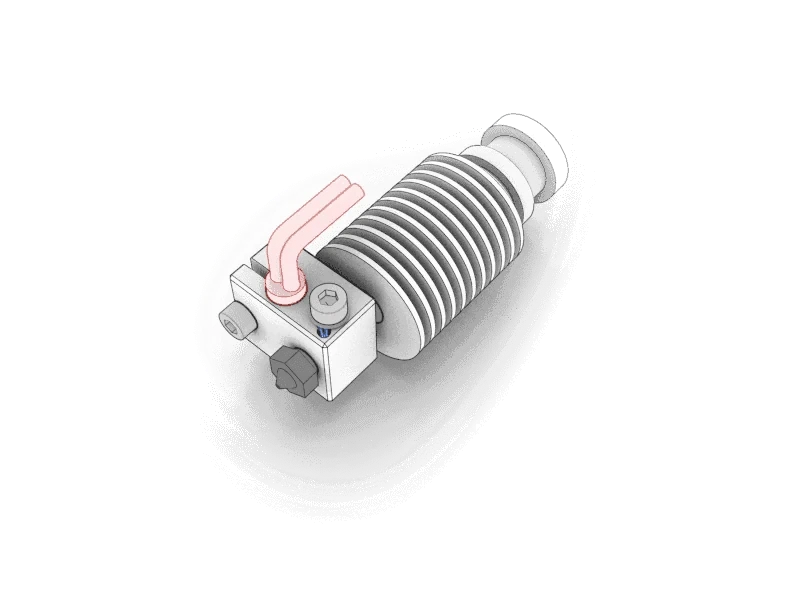
 Hotend Assembly GuideThe hotend assembly explained part by part: heat block, heat break, PTFE, nozzle and thermistor, and the order they go together.
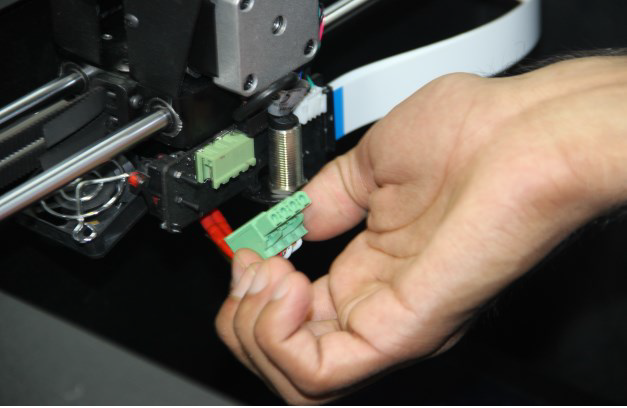
 Identifying Burnt Connectors and Screw TerminalsScrew terminals, also called green connectors, are connectors found in hotends of Fracktal 3D printers. Screw terminals are also found on the MKS board.
 Layer Shifting from a Slipped PulleyMotor Pulley is mounted on the Motor shaft with the help of a grub screw.
 MINTEMP Error: Causes and FixMin temp error is caused when there is no rise in temperature detected by the machine, even after current is supplied by the machine to heat.
 Removing the Carriage Board (Julia Extended)A carriage board is a small board mounted on the carriage. To remove the carriage board, follow the steps below.
 Replacing the Nozzle and PTFEWhy the nozzle PTFE matters for print quality, how it wears, and the procedure for replacing the nozzle and the PTFE tube.
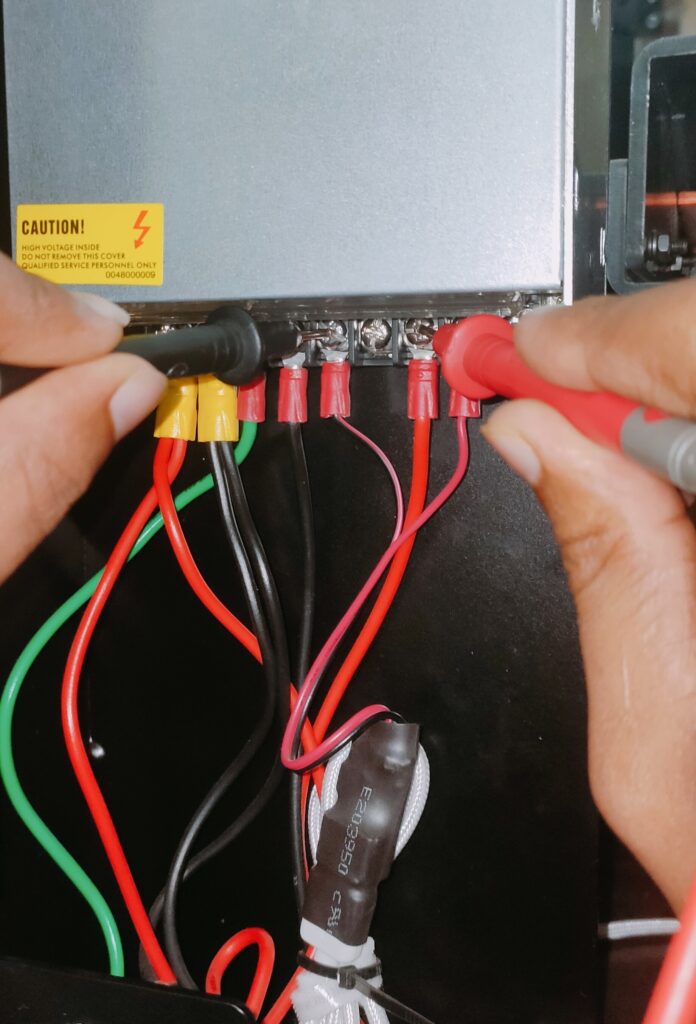 SMPS Not Turning OnThe SMPS power supply not turning on: the causes to check in order, from the mains switch to the fuse and connectors.
 The Printer Does Not Turn OnA printer that will not turn on, or cuts out during preheating, usually has a blown fuse or a wrong PSU voltage. Check them in this order.
 Thermal Runaway, System Stopped: What It MeansFracktal printers come with an inbuilt feature to avoid accidents by overheating of the nozzle or heater cartridge.
 Troubleshooting Limit Switch IssuesTroubleshooting Limit Switch Issues. Fracktal 3d Printers come with 3 Limit switches.
- Updating Software on Wi-Fi Connected Julia PrintersPlease watch the video attached to know how to push a new software update to your Wi-Fi-connected Julia Series of 3D Printers.
- Using TMC 2209/2208 Drivers with MKS 1.4 (Julia Extended)Using TMC 2209/2208 Drivers with MKS 1.4 (Julia Extended). All Fracktal printers shipped with MKS 1.4 have DRV 8825 drivers.
- What’s in the Accessories Box (Julia 2018)What ships in the Julia 2018 accessories box - power cable, PTFE tube, pen drive and the rest - and what each item is for.
 What’s in the Accessories Box (Julia Pro & Volterra)What ships in the Julia Pro and Volterra accessories box - power cable, PTFE tube, pen drive and the rest - and what each item is for.
Still stuck?
Send us the G-code, a photo of the part and the machine's serial number, and an engineer will look at it with you. The G-code guide shows what to export.