























Changing the SMPS (Julia Extended)
Fractal Printers are designed with serviceability in mind. Changing SMPS in Julia Extended can be done with the help of a + screwdriver and a 2.5mm Allen key (Allen Key is provided with the Accessory box).
Steps to replace SMPS:
1. Switch off the machine and remove the power cable.
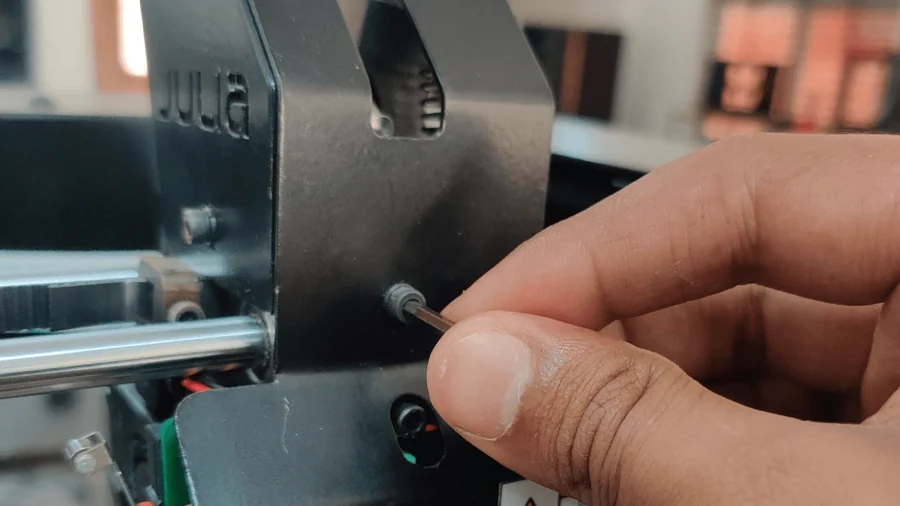
2. Remove the back cover. Loosen the Allen bolts using a 2.5 mm Allen key.
Tip: Do not remove the bolt completely at first. If you remove a few bolts completely, the weight of the Back plate falls on the remaining few screws, and loosening them becomes difficult. So loosen all bolts partially first and then remove the bolts completely.
3. Once you remove the back cover, you can get access to the SMPS.
Note: Take a picture of the SMPS wires before removing them.
4. Remove the input and output wires to the SMPS:

Remove all the wires
5. Remove the screws that are used to fasten the SMPS to the chassis:


You have successfully removed the SMPS.
Reverse the steps above to install the New SMPS.