

























The Printer Does Not Turn On
If your printer doesn’t turn on, or it keeps turning off during preheating, the most common causes are either a wrong voltage on the PSU or a blown fuse.
The printer does not turn on.
If your printer does not turn on at all, then there might be a more serious problem present. Try the following steps:
- Turn the printer off and disconnect the power cord.
- 1. Check for a Blown fuse:
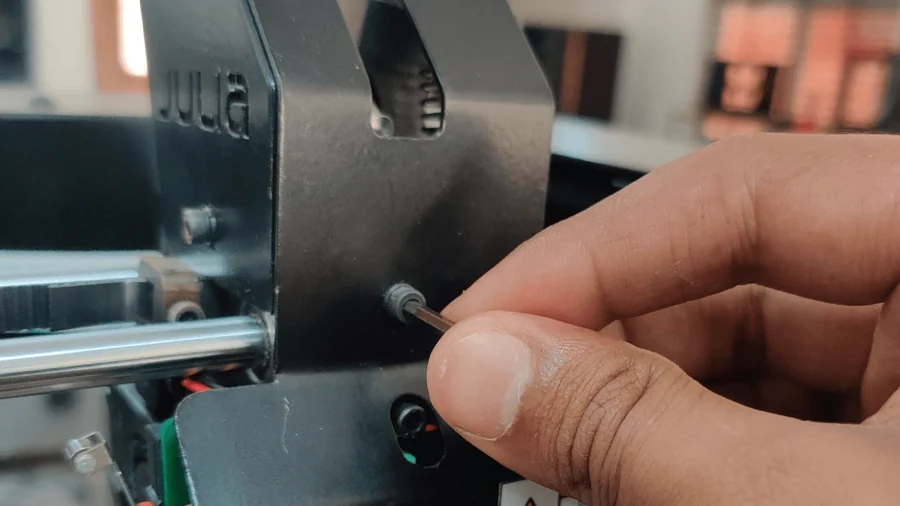
- Remove the fuse cap from the power socket and check for a blown fuse. If the fuse is blown, replace it with a 5-amp fuse.
Remove the fuse cover.


Make sure the fuse looks like the first fuse.
2. Check SMPS input:
If your fuse is fine, check for input of the SMPS.
1. Take a multimeter and keep it in voltage mode. Keep the probe on the SMPS input and check the voltage. The input voltage should be 220V.

Correct input voltage around 240 Volts.
a) If the power supply to the SMPS is not correct ( not around 240V)
1. Check the power switch wiring for loose contacts.

Check that all wires are connected firmly
2. If the wires are firm and still the SMPS input is not getting the power, check the power cable.
3. If the power cable is also fine, then the power switch needs to be replaced.
4. In very rare cases, the wires may get burnt or damaged, but most of thtimeesit’ss the power switch that is damaged.
b) If the power supply to the SMPS is correct (220V)
1. Check the output voltage.
2. If the voltage is not around 24V, remove the wires from the output terminals of the SMPS and check the output voltage again.

Correct Multimeter reading.
a. If the output voltage is still not around 24, then the SMPS is damaged.
b. If the output voltage is around 24 after removing wires, then there is a short circuit in that machine, which needs to be fixed.