Loading
Skip to content
Contact Us
  • Products

    FDM 3D Printers

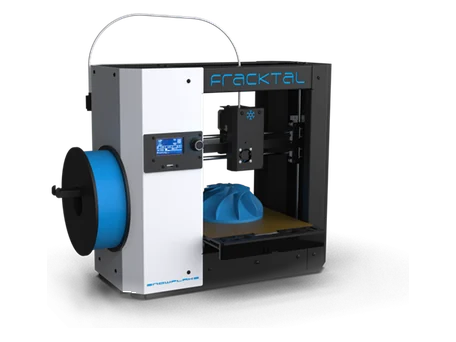
    Snowflake
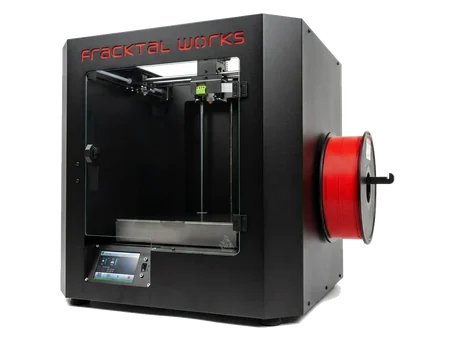
    Julia
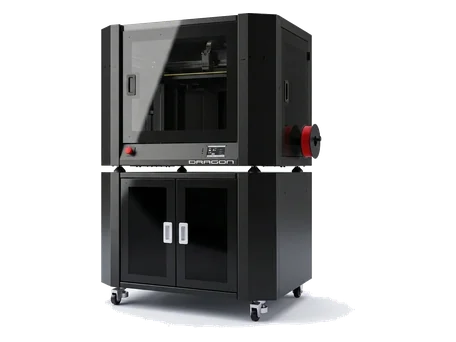
    Dragon
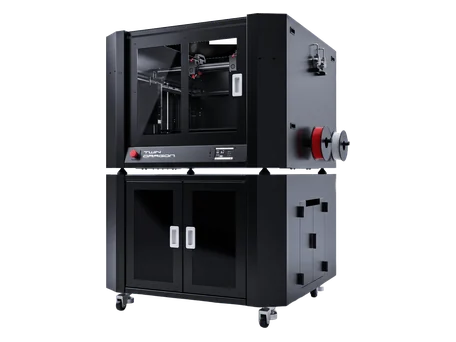
    Twin dragon
    Volterra

    SLS 3D Printer & Accessories

    Apollo 250
    MDS-1
    Printstick

    FDM 3D Printers

  • Manufacturing Services

    3D printing Services

    FDM 3D Printing

    SLS 3D Printing

    HPMJF 3D Printing

    SLA Printing

    Vaccum Casting

    Jigs & Fixtures

    Prototyping

    Healthcare

    Engineering Services

    Designing Services

    Finishing Assembly

    Consulting Services

    Reverse Engineering

    Quality Assurance

  • Industries
    • Automobile
    • Engineering
    • Healthcare
    • Manufacturing
    • Entertainment
    • Jewelry
    • Dental
    • Medical
  • Materials
    • PLA
    • ABS
    • PET-G
    • PVA
    • Nylon
    • CF Nylon
    • PC
    • TPU
  • Resources
    • Knowledge Base
    • Blogs
    • CSR
    • Events & News
    • Download Fracktory
    • Careers
    • FAQs
    • Our Partners
  • Support
  • About Us
  • Products

    FDM 3D Printers

    Snowflake
    Julia
    Dragon
    Twin dragon
    Volterra

    SLS 3D Printer & Accessories

    Apollo 250
    MDS-1
    Printstick
  • Manufacturing Services

    3D printing Services

    FDM 3D Printing

    SLS 3D Printing

    HPMJF 3D Printing

    SLA Printing

    Vaccum Casting

    Jigs & Fixtures

    Prototyping

    Healthcare

    Engineering Services

    Designing Services

    Finishing and Assembly

    Consulting Services

    Reverse Engineering

    Quality Assurance

  • Industries
    Automobile

    Automobile

    Engineering

    Healthcare

    Healthcare

    Manufacturing

    Entertainment

    Jewellery

    Dental

    Medical

  • Materials
    Article_PLA_Cover-1280x720

    PLA

    3D Print plastic (2)

    ABS

    petg-clear-filament-vases-43274b58ee202ec1db6679362cd9ee10-scaled.jpg

    PET-G

    Untitled design (1)

    PVA

    Fusion3-3D-printed-Nylon-Gears-6

    Nylon

    Carbon-Fiber-prints-hero

    CF Nylon

    PC_airwolf

    PC

    Screenshot-2025-06-02-143932.jpg

    TPU

  • Resources
    2

    Knowledge Base

    3

    Blogs

    4

    CSR

    5

    Events & News

    6

    Download Fracktory

    7

    Careers

    8

    FAQ's

    9

    Our Partners

  • Support
  • About Us
  • Products

    FDM 3D Printers

    Snowflake
    Julia
    Dragon
    Twin dragon
    Volterra

    SLS 3D Printer & Accessories

    Apollo 250
    MDS-1
    Printstick
  • Manufacturing Services

    3D printing Services

    FDM 3D Printing

    SLS 3D Printing

    HPMJF 3D Printing

    SLA Printing

    Vaccum Casting

    Jigs & Fixtures

    Prototyping

    Healthcare

    Engineering Services

    Designing Services

    Finishing and Assembly

    Consulting Services

    Reverse Engineering

    Quality Assurance

  • Industries
    • Automobile
    • Engineering
    • Healthcare
    • Manufacturing
    • Entertainment
    • Jewelry
    • Dental
    • Medical
  • Materials
    • PLA
    • ABS
    • PET-G
    • PVA
    • Nylon
    • CF Nylon
    • PC
    • TPU
  • Resources
    • Knowledge Base
    • Blogs
    • CSR
    • Events & News
    • Download Fracktory
    • Careers
    • FAQs
    • Our Partners
  • Support
  • About Us
Contact Us
  • Products

    FDM 3D Printers

    Snowflake
    Julia
    Dragon
    Twin dragon
    Volterra

    SLS 3D Printer & Accessories

    Apollo 250
    MDS-1
    Printstick
  • Manufacturing Services

    3D printing Services

    FDM 3D Printing

    SLS 3D Printing

    HPMJF 3D Printing

    SLA Printing

    Vaccum Casting

    Jigs & Fixtures

    Prototyping

    Healthcare

    Engineering Services

    Designing Services

    Finishing and Assembly

    Consulting Services

    Reverse Engineering

    Quality Assurance

  • Industries
    Automobile

    Automobile

    Engineering

    Healthcare

    Healthcare

    Manufacturing

    Entertainment

    Jewellery

    Dental

    Medical

  • Materials
    Article_PLA_Cover-1280x720

    PLA

    3D Print plastic (2)

    ABS

    petg-clear-filament-vases-43274b58ee202ec1db6679362cd9ee10-scaled.jpg

    PET-G

    Untitled design (1)

    PVA

    Fusion3-3D-printed-Nylon-Gears-6

    Nylon

    Carbon-Fiber-prints-hero

    CF Nylon

    PC_airwolf

    PC

    Screenshot-2025-06-02-143932.jpg

    TPU

  • Resources
    2

    Knowledge Base

    3

    Blogs

    4

    CSR

    5

    Events & News

    6

    Download Fracktory

    7

    Careers

    8

    FAQ's

    9

    Our Partners

  • Support
  • About Us
+916364925434
Contact Us

3D Printers

75
  • Julia 200/250
    • TEST
  • Julia Series
    • Board Driver jumper settings.
    • How to make complete use of your accessories box.
    • Changing Material/ filament.
    • Removing carriage board – Julia Extended.
    • Julia Extended and Intermediate User Manual (2018)
    • Small size print failure
    • Layer Shifting caused by pulley slipping down
    • The printer does not turn on
    • Min Temp error.
    • Thermal Runway, System Stopped Error
    • Error: Heating failed, system stopped! Heater_ID: Bed
    • Troubleshooting Limit switch issues.
    • Changing SMPS- Extended.
    • SMPS not turning ON
    • How to identify burnt green connectors/ screw terminal?
    • SOP of the printer
    • Replacing Nozzle PTFE
    • Julia Setup And Installation
      • Removing carriage board – Julia Extended.
      • Using TMC 2209/2208 drivers with MKS 1.4 for Julia Extended Non ABL.
      • Changing Material/ filament.
      • How to make complete use of your accessories box.
      • Board Driver jumper settings.
    • Troubleshooting
      • How to identify burnt green connectors/ screw terminal?
      • SMPS not turning ON
      • Changing SMPS- Extended.
      • Troubleshooting Limit switch issues.
      • Error: Heating failed, system stopped! Heater_ID: Bed
      • Thermal Runway, System Stopped Error
      • Min Temp error.
      • The printer does not turn on
      • Layer Shifting caused by pulley slipping down
      • Small size print failure
    • Manuals & Downloads
      • Julia Extended and Intermediate User Manual (2018)
    • Maintenance
      • SOP of the printer
      • Replacing Nozzle PTFE
  • Snowflake
    • SOP of the printer
    • Snowflake User Manual.
    • How to make complete use of your accessories box.
    • Pre-Installation Requirements
    • Unboxing & Inventory Guide
    • Setup And Installation
      • How to make complete use of your accessories box.
      • Pre-Installation Requirements
      • Unboxing & Inventory Guide
    • Manuals & Downloads
      • Snowflake User Manual.
    • Maintenance
      • SOP of the printer
  • Twin Dragon
    • Fracktory Slicer
  • Julia Pro
    • Replacing Nozzle PTFE
    • Layer Shifting caused by pulley slipping down
    • Julia Pro User Manual
    • SOP of the printer
    • Changing Material/ filament.
    • How to make complete use of your accessories box.
    • Julia Pro Setup And Installation
      • SOP of the printer
      • Changing Material/ filament.
      • How to make complete use of your accessories box.
    • Manuals & Downloads
      • Julia Pro User Manual
    • Troubleshooting
      • Replacing Nozzle PTFE
      • Layer Shifting caused by pulley slipping down
  • Volterra
    • E1 extrusion issue
    • Layer Shifting caused by pulley slipping down
    • Layer shifting/ Print quality drop due to damaged belt.
    • SOP of the printer
    • Replacing Nozzle PTFE
    • Changing Material/ filament.
    • Filament sensor not working.
    • How to make complete use of your accessories box.
    • Setup And Installation
      • SOP of the printer
      • Replacing Nozzle PTFE
      • Changing Material/ filament.
      • Filament sensor not working.
      • How to make complete use of your accessories box.
    • Troubleshooting
      • E1 extrusion issue
      • Layer Shifting caused by pulley slipping down
      • Layer shifting/ Print quality drop due to damaged belt.

Software

7
  • Fracktory Slicer
    • Sending Gcode to Fracktal care for troubleshooting.
    • Tuning material settings on Fracktory.
    • Getting started with Fractory.
    • Fracktory Slicer
    • Getting Started
      • Getting started with Fractory.
    • Print Settings
      • Tuning material settings on Fracktory.
    • Tips & Troubleshooting
      • Sending Gcode to Fracktal care for troubleshooting.
View Categories
  • Home
  • Knowledge Base
  • 3D Printers
  • Julia Series
  • Julia Setup And Installation
  • Using TMC 2209/2208 drivers with MKS 1.4 for Julia Extended Non ABL.

Using TMC 2209/2208 drivers with MKS 1.4 for Julia Extended Non ABL.

1 min read

All Fracktal printers shipped with MKS 1.4 have DRV 8825 drivers. In case you have to update drivers to TMC 2209, you need to change the Jumper configuration and update the firmware. 

Note: After putting putting new drivers with updated jumper configurations, you need to start the machine to connect to OctoPrint. After turning on the machine, do not move any of the components, like xyz axis or the extruder.  First, you need to flash the firmware before operating the printer. 

Firmware for 

Julia Extended NON ABL with 2.1MKS and TMC 2209 driver- https://github.com/FracktalWorks/Julia2018Marlin119/raw/Gen1.4_TMC2209_Without_ABL/src/Marlin/Marlin.ino.mega.hex

Julia Extended NON ABL with 1.4MKS and TMC 2209 driver- https://github.com/FracktalWorks/Julia2018Marlin119/raw/Gen1.4_TMC2209_Without_ABL/src/Marlin/Marlin.ino.mega.hex

How to change jumper configuration- MKS 1.4

When you are changing drivers, you need to place the drivers in this position as shown in the picture.

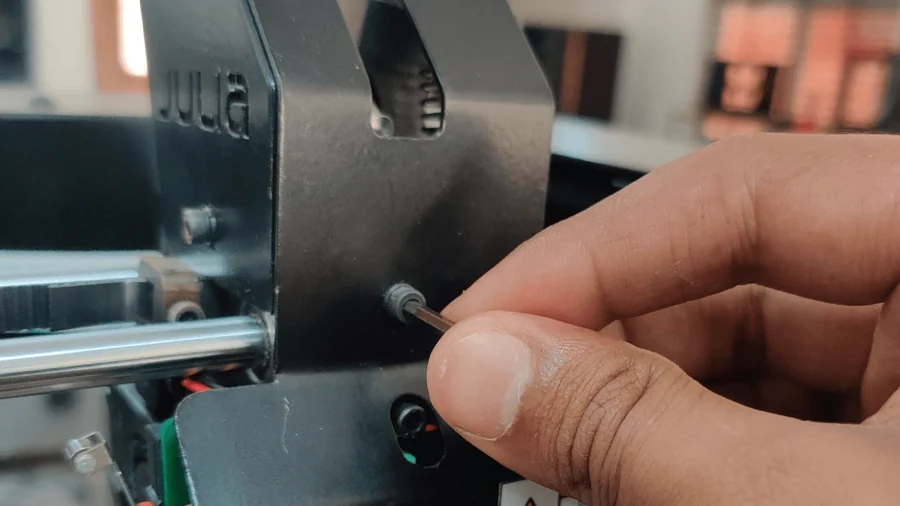
The 2 jumpers should be put as shown in the picture.

Close-up of jumpers.

How to change jumper configuration- MKS 2.1 GENL

Jumper pin configuration for MKS 2.1

After  putting jumper, you need to update the firmware:

To update the firmware, you need –

Wifi connection; With both the desktop and printer connected to the same machine.

1. Turn on the printer and access it using Octa Print using the printer’s IP address.

2. Once you access OctoPrint on your desktop. 

Enter the printer IP address here.

Click on settings> firmware update plugin> Update from URL> paste the URL below based on the version of printer you have>and click enter. Your firmware is updated.

Settings>

Click on settings

Settings>firmware update>

Click on Settings> firmware update plugin> Update from URL>

Paste the link given below, depending on your printer’s model.

Click on Flash from URL to start flashing. You have successfully flashed the Firmware for TMC2209 drivers.

1. USB B-type cable

2. Windows desktop

3. X-loader software

To flash firmware using Xloader, you need to install Xloader in your system and follow the instructions in the link below to flash it.

https://github.com/binaryupdates/xLoader
Arduino XLoader

Download the firmware hex file from the links above.

1. Connect the MKS  to the Desktop using a Type A to Type B USB cable. 

2. Select the COM port. To check the COM port, go to the Device Manager. Out of multiple COM ports to select the port of MKS, remove the MKS, and check which COM port it goes to. Reconnect the MKS and select the COM port in Xloader. 

3. Select the hex file in Xloader and click upload.

Updated on October 29, 2025
installation julia

What are your Feelings

  • Happy
  • Normal
  • Sad

Share This Article :

  • Facebook
  • X
  • LinkedIn
  • Pinterest
Removing carriage board – Julia Extended.Changing Material/ filament.

Leave a Reply Cancel reply

Your email address will not be published. Required fields are marked *

Information

About Us

Contact Us

Our Partners

Careers

Products

Snowflake

Julia

Dragon

Twin Dragon

Volterra

Material Dryer

Printstick

Apollo SLS

Solutions

3D Printing Services

Engneering Services

Support

Knowledge Base

Raise an Issue

Legal

EULA

Terms & Conditions

Privacy Policy

Cookie Policy

Return & Refund Policy

Shipping Policy

© 2025 Fracktal Works Pvt. Ltd

Facebook Twitter Youtube Instagram Linkedin