















3D Printer Spaghetti: What It Means and How to Stop It
Spaghetti is not a cause, it is an aftermath. It means the printer carried on extruding into thin air after the part stopped being where the machine thought it was. There are only four ways that happens: the part came off the plate, a layer shifted, the extruder stopped feeding for a while, or the model had unsupported geometry the printer was never going to reach. Work out which one you had and the fix is obvious; guess, and you will change five settings and learn nothing.
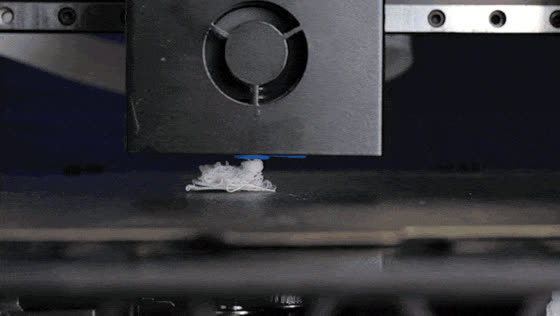
The tangle tells you almost nothing — it is the same whatever went wrong. The evidence is on the plate and on the part. Is there a first layer still stuck down with a clean break above it? Is the part lying loose somewhere? Is there a visible step where everything above sits offset from everything below? Photograph the plate before you clear it; that photograph is the diagnosis.
Four Causes, and How to Tell Them Apart
01 · The part came off the plate
The tell: the part is loose on the bed or stuck to the nozzle, and the plate is bare or has a thin ghost of a first layer on it. By far the commonest cause, and the whole of the rest of this guide is about preventing it. Start with the nozzle gap, the bed temperature and a clean plate, and add an adhesive where the material or the footprint needs one.
02 · A layer shifted
The tell: a clean horizontal step where everything above is offset from everything below, and the lower part is still firmly attached. Something obstructed the head — a curled edge, a blob, a belt slipping, a stepper skipping under too much acceleration. Check belt tension and lower the acceleration and jerk before you blame adhesion.
03 · The extruder stopped feeding
The tell: the part is intact and attached, but the top surface is thin, gappy or missing above a certain height, and there may be filament ground flat at the drive gear. A clog, a heat-creep jam, a tangle on the spool or a filament run-out that the sensor missed. Nothing to do with the bed.
04 · The model asked for the impossible
The tell: the nest starts exactly where an overhang, an island or a bridge begins. The printer was extruding into space because the model gave it nothing underneath. Add supports, reorient the part, or design the overhang out. Slicer previews show islands if you look at the layer where it started.
What Prevents Each One
| Cause | Evidence on the plate | Prevention |
|---|---|---|
| Part came off the plate | Part loose, plate bare or ghosted | Z-offset, clean plate, right bed temperature, brim, adhesive |
| Layer shift | Clean horizontal step, base still attached | Belt tension, lower acceleration, clear obstructions, check for curled edges |
| Extruder stopped feeding | Part attached, top gappy, filament ground at the gear | Clear the clog, check heat break cooling, untangle the spool, dry the filament |
| Unsupported geometry | Nest begins exactly at an overhang or island | Supports, reorientation, design change |
| Nozzle strike on a curl | Both a shift and a partial lift | Enclosure, adhesive, brim, fillet the base corners |
If the Part Was Loose, It Was Adhesion
Of the four, the part detaching is the one that happens most, and it is also the one with the cheapest fix. Work down the free checks first — nozzle gap, flat plate, bed temperature, a clean surface, part cooling off for the first layers — because they are the cause most of the time and they cost nothing.
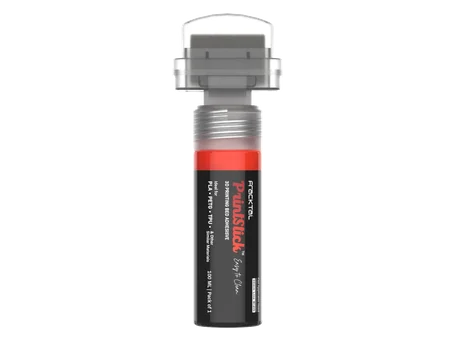
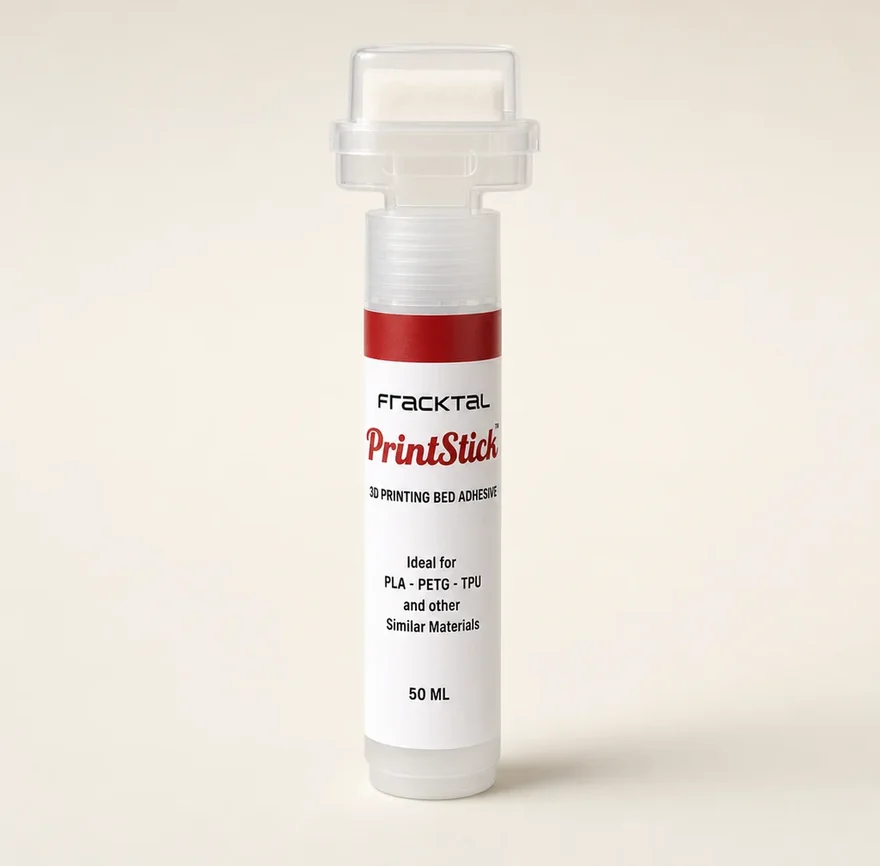
When the material or the geometry is what beats you rather than the settings, an adhesive is the right component. ABS and ASA on a hot plate, Nylon and PC, a tall part on a small footprint: these fail on a correctly dialled machine too. One pass of PrintStick across the footprint holds while the plate is hot and lets go once it cools, and the plate wipes clean with water.
Questions About Spaghetti Prints
What causes 3D printer spaghetti?
How do I know whether my print detached or the layers shifted?
Can I stop spaghetti with a bed adhesive?
Why does spaghetti happen more on long prints?
Does spaghetti damage the printer?
Will a camera or AI detection stop it?
The Rest of the Guide
- Print came loose mid-jobCause number one, in detail
- Print not sticking to the bedThe eight causes, in order
- First layer not stickingThe ten-minute fix list
- ABS lifting at the cornersWhy tall parts fail late
- The full bed adhesion guideEvery cause, every material
- PLA not stickingNozzle gap, skin oil, cold bed
- Brim, raft or skirtWhich one actually helps
- PrintStick bed adhesiveTwo formulas, 50+ applications a bottle
Fewer Failures, Fewer Restarts
Fracktal designs and manufactures FDM machines in Bengaluru and runs them as a print service. If failed jobs are costing you more than filament, talk to us.