












Elephant’s Foot: When the Base Bulges Out
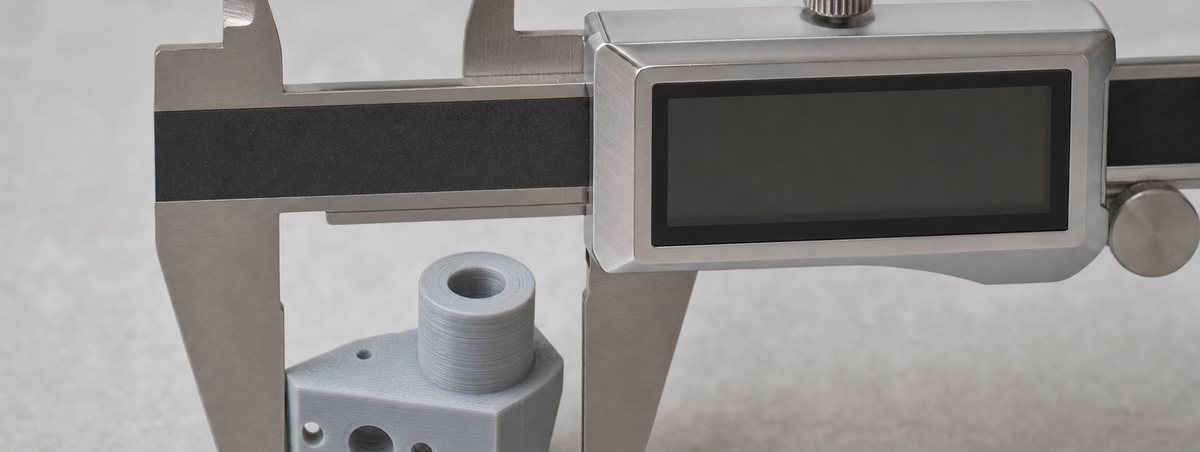
The bottom two or three layers spread wider than the rest of the part, so it will not sit flat, holes at the base come out undersized and mating parts no longer fit. It is the opposite failure to a print that will not stick: the first layer is bonded too well and too soft. Two settings cause almost all of it, and the slicer’s compensation box is a patch, not a fix.
Soft Plastic, Squeezed by What Is Above It
The first layer is deliberately squashed into the plate so it bonds. If it is squashed too far, the displaced material has nowhere to go but sideways, and it spreads past the outline the slicer drew. A bed running hotter than the material wants makes the same thing worse for a different reason: the base stays soft for several more layers, and the weight of the part above slowly presses it outward.
That is why elephant’s foot appears on exactly the machines that have no adhesion problem at all. A user chasing a first layer that sticks reliably tends to lower the nozzle a little more and raise the bed a little more, and the failure mode flips over. The fix is to find the point where the layer is merged but not spread — and that point is narrower than most people expect.
Two Causes, and One Tempting Mistake
Fix the geometry first. The slicer setting is for what is left over.
01 · The nozzle is too low
Aim for a first layer at roughly 0.8 times the nozzle diameter — 0.32 mm on a 0.4 mm nozzle — and check it by printing a single-layer square. Correct looks like a continuous sheet with faint lines where the strands met. Too low looks glassy and translucent, with ridges pushed up between passes. Raise the Z-offset in 0.02 mm steps until the ridges disappear but the sheet stays continuous.
02 · The bed is too hot for the material
PLA above about 60 °C, PET-G above 85 °C: the base never firms up and the layers above press it outward. Drop in 5 °C steps and reprint. On ABS this is rarely the cause, because ABS wants 95–110 °C anyway and its problem is the opposite — but on a PLA profile that was raised to cure a sticking problem, an over-hot bed is very often the whole story.
The tempting mistake · compensation first
Every slicer has elephant-foot compensation, which shrinks the first layers by a fixed amount. Reaching for it before fixing the Z-offset hides the symptom and leaves the cause: the first layer is still over-squished, so it is still bonded harder than it should be, and the part is still difficult to remove. Use it last, at 0.1–0.2 mm, for the residue you cannot dial out.
The better fix · chamfer the model
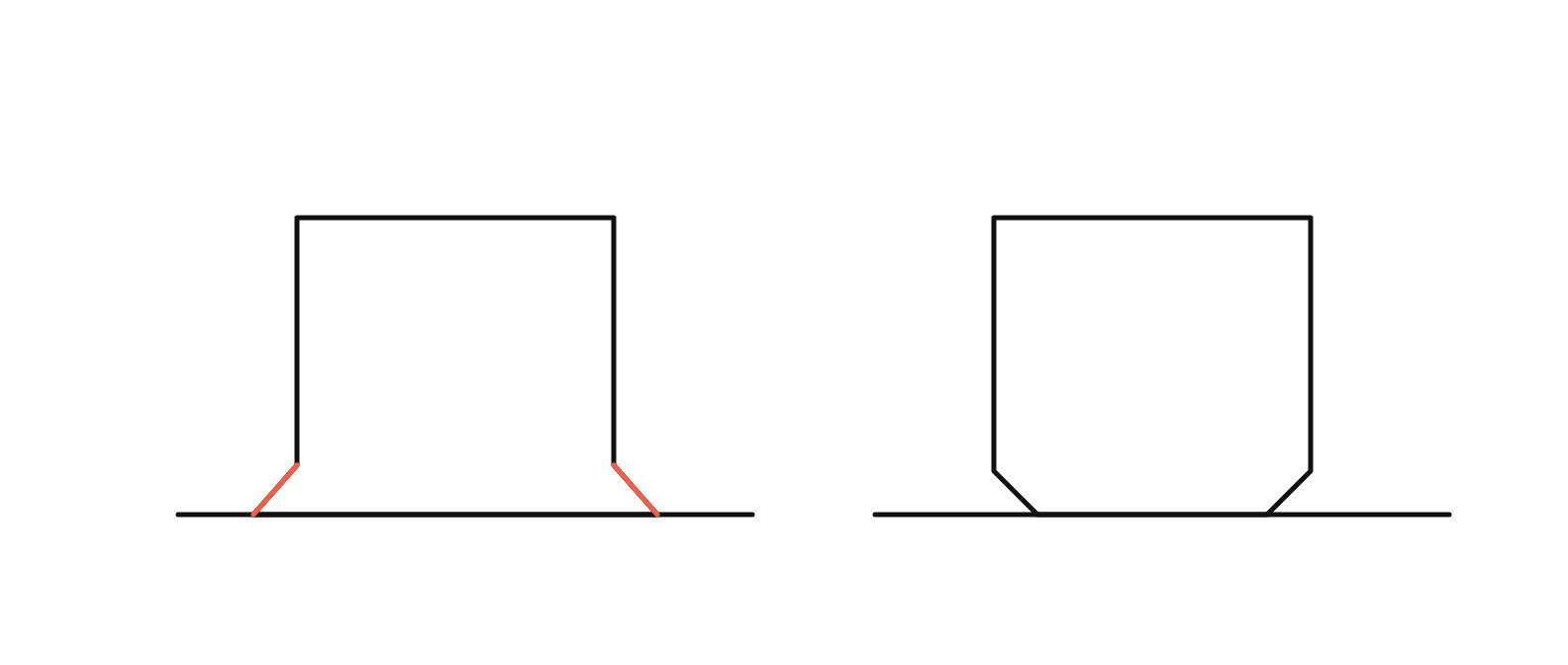
A 0.5 mm 45° chamfer around the base of the part gives the squeezed material somewhere to go, and it is dimensionally honest — the part is designed to be that shape rather than being scaled by the slicer. On anything that has to mate with another part, this beats compensation every time.
Bed Ranges, and Where Elephant’s Foot Starts
| Material | Bed range | Watch above | Typical first layer |
|---|---|---|---|
| PLA | 0–60 °C | 60 °C | 0.32 mm (0.8 × nozzle) |
| TPU 95A | 0–60 °C | 55 °C | 0.32 mm (0.8 × nozzle) |
| PET-G | 60–85 °C | 80 °C | 0.32 mm (0.8 × nozzle) |
| CF-PET-G | 70–85 °C | 85 °C | 0.32 mm (0.8 × nozzle) |
| ABS | 95–110 °C | Rarely the cause | 0.32 mm (0.8 × nozzle) |
| ASA | 95–110 °C | Rarely the cause | 0.32 mm (0.8 × nozzle) |
If the base bulges in one region of the plate and not another, that is not elephant’s foot. It is a bowed or badly trammelled bed, and lowering the nozzle to cure the high corner guarantees over-squish everywhere else. Print a single-layer square covering the whole plate and look at it before changing any Z-offset.
You Should Not Need to Over-Squish to Get It to Stick
Elephant’s foot is usually the scar of a fight with adhesion. The first layer would not hold, so the nozzle came down and the bed went up, and the part now sticks perfectly and comes out the wrong shape. If that describes the profile, the honest fix is to put the Z-offset and the bed back where the material wants them and solve the bonding separately.
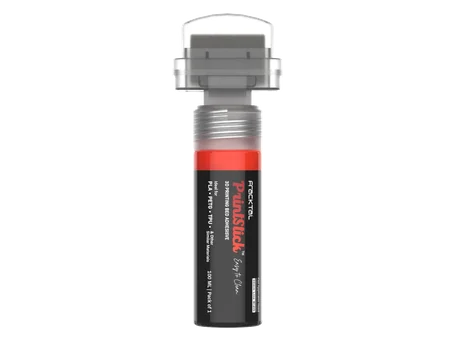
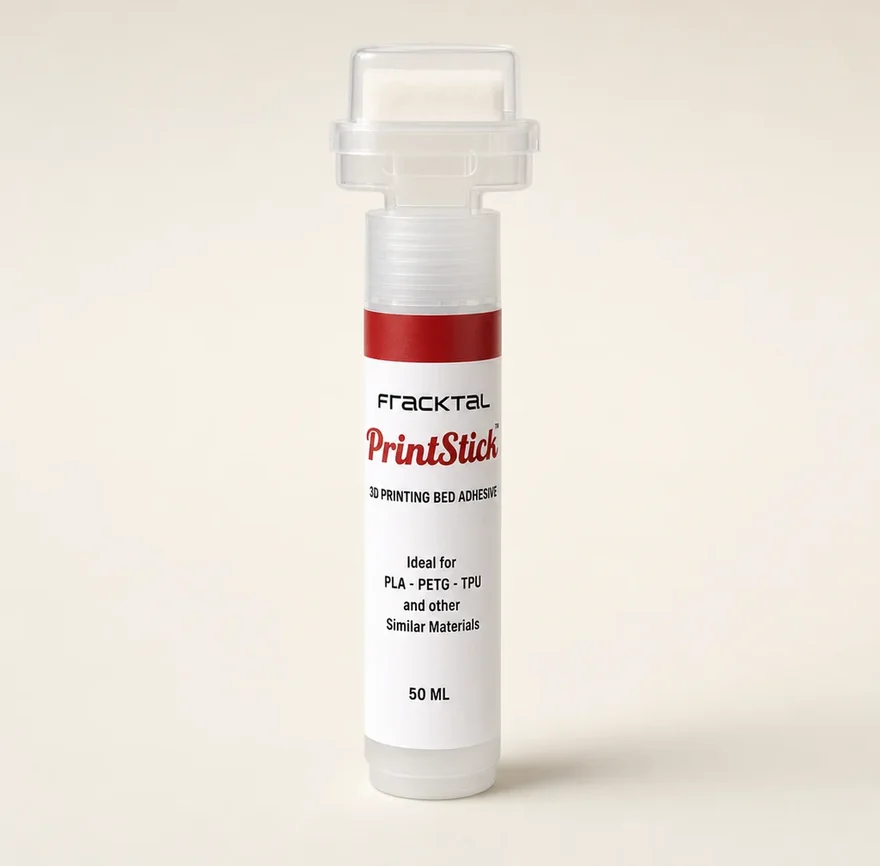
A clean plate does most of it. Where that is not enough — a large flat footprint, a worn smooth PEI sheet, textured PEI under a tall narrow part — one thin pass of PrintStick adds grip without adding squish, and it releases as the plate cools so the part is not fused to the sheet either.
Questions About Elephant’s Foot
What causes elephant’s foot in 3D printing?
How do I fix elephant’s foot?
Should I use elephant’s foot compensation in my slicer?
What should the first layer look like?
Is elephant’s foot an adhesion problem?
The Rest of the Guide
Parts That Have to Mate
When a base has to be flat and a hole has to be round, the first layer is not a cosmetic question. Send us the file and we will print it on a calibrated machine in Bengaluru.