











Clearing a Blocked Nozzle
A blocked nozzle announces itself the same way every time: the print starts, the motor turns, and nothing comes out, or a thin, wispy line comes out where a solid one should. Ninety per cent of clogs clear in ten minutes with a needle or a cold pull, and almost all of them have one of four causes. Work down this page in order.
Why nozzles clog
- Material changes. The commonest cause. A trace of ABS left in the nozzle carbonises at PLA temperatures; a trace of PLA burns at ABS temperatures. Every switch between materials leaves something behind unless you purge properly.
- Heat creep and long retractions. Filament that softens too far up the heat break swells and jams. Over-long retraction settings pull molten plastic up into the cold zone, where it sets.
- Dust and debris. A spool that has lived uncovered feeds a fine paste of dust into a 0.4 mm hole.
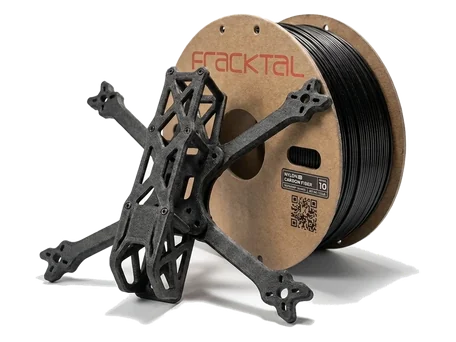
- Abrasive filaments in a brass nozzle. Carbon-fibre and glow-in-the-dark filaments wear brass into an irregular bore that clogs repeatedly. Those materials want a hardened nozzle.
Fix 1: the needle, two minutes
- Heat the nozzle to the printing temperature of the last material that went through it (the higher one, if in doubt).
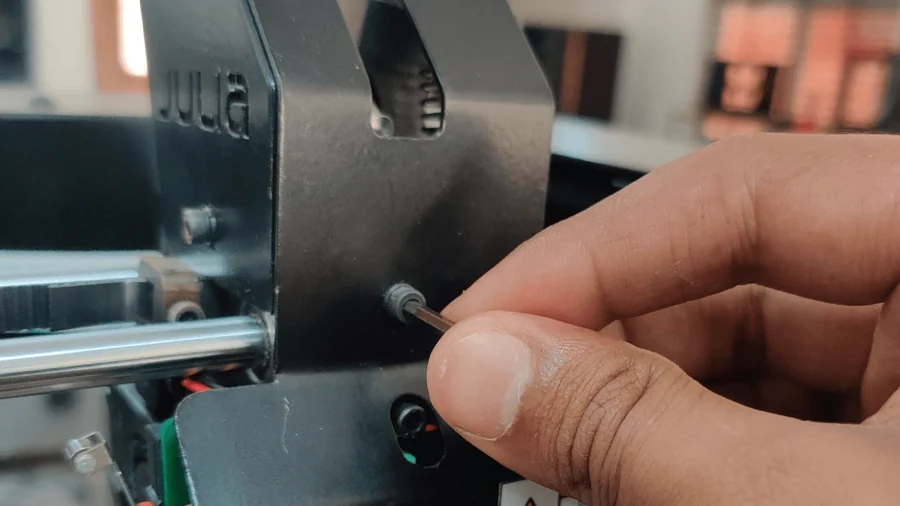
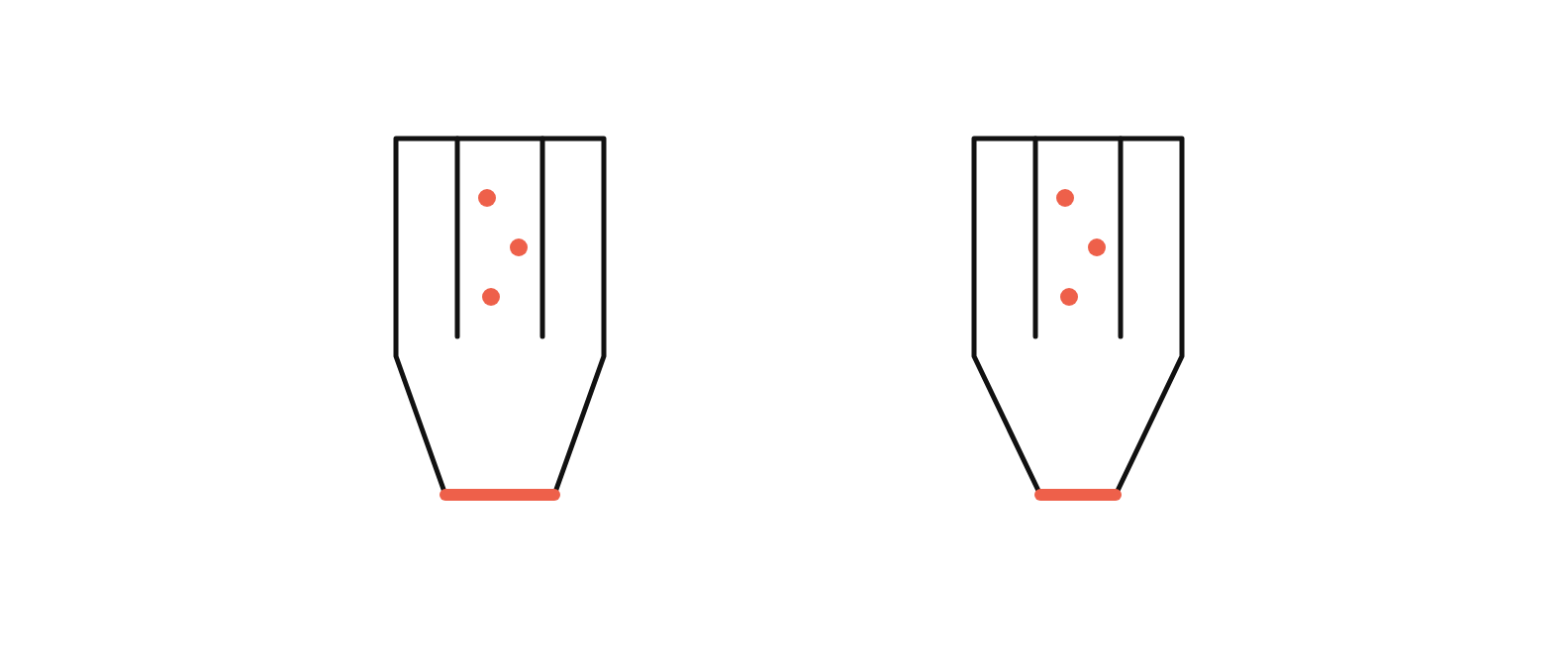
- From below, push a 0.35 mm needle or an acupuncture needle into the nozzle opening and work it gently. Do not use force; you are dislodging, not drilling.
- Load filament and extrude 50 mm. If it comes out in a straight, even stream, you are done.
Fix 2: push it through
If the needle is not enough, remove the filament, raise the nozzle temperature 10–15 °C above the stuck material’s printing temperature, and push a fresh length of filament through by hand with firm, steady pressure. When the old material clears, the colour of the extrusion changes and the stream straightens. Extrude until it runs clean.
Fix 3: the cold pull
The cold pull removes what pushing cannot: carbonised residue clinging to the nozzle walls. Nylon works best for it; PLA works adequately.
- Heat the nozzle to 240 °C and push the cleaning filament through until it extrudes.
- Let the nozzle cool to about 90 °C for nylon (60 °C for PLA), keeping light pressure on the filament as it cools.
- Pull the filament out in one firm, straight pull. The tip comes out shaped like the nozzle’s interior, with the burnt residue embedded in it.
- Look at the tip: black flecks mean residue was removed. Repeat until the tip pulls out clean.
Fix 4: replace the nozzle
A nozzle is a consumable. If clogs recur after a clean cold pull, or the bore is worn from abrasive filament, change it: our nozzle and PTFE replacement guide covers the procedure, and the hotend assembly guide shows how the parts go together. Check the nozzle diameter before ordering, and update the slicer profile to match.
Stopping the next one
- Purge 20–30 mm of the new material at the higher of the two temperatures whenever you change materials; the filament change guide builds this in.
- Store spools sealed with desiccant (storage SOP); dust and moisture are both clog feedstock.
- Keep retraction within the values in the FDM settings guide; more is not better.
- Fit a hardened nozzle before printing carbon-fibre materials, not after.
If the nozzle still will not clear, or clears and clogs again within a print, stop and send us the G-code with a note on the materials used; a heat-break or PTFE problem looks exactly like a clog and needs a different fix.