
 SnowflakePlug-and-play desktop FDM
 JuliaConnected desktop for labs and classrooms
 DragonSingle-extruder industrial workhorse
 Twin DragonIDEX industrial, up to 600×600×400 mm
 Volterra450 °C hotend, 90 °C heated chamber
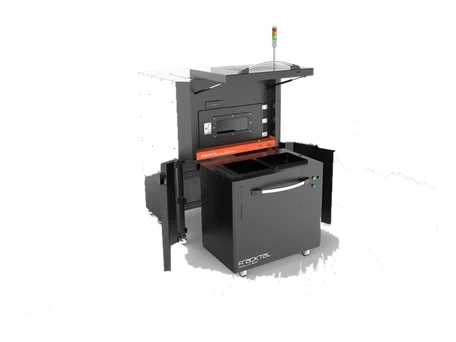 Apollo SLSProduction-grade powder-bed SLS
 Material DryerMDS1 filament moisture control
 PrintStick™Water-washable bed adhesive
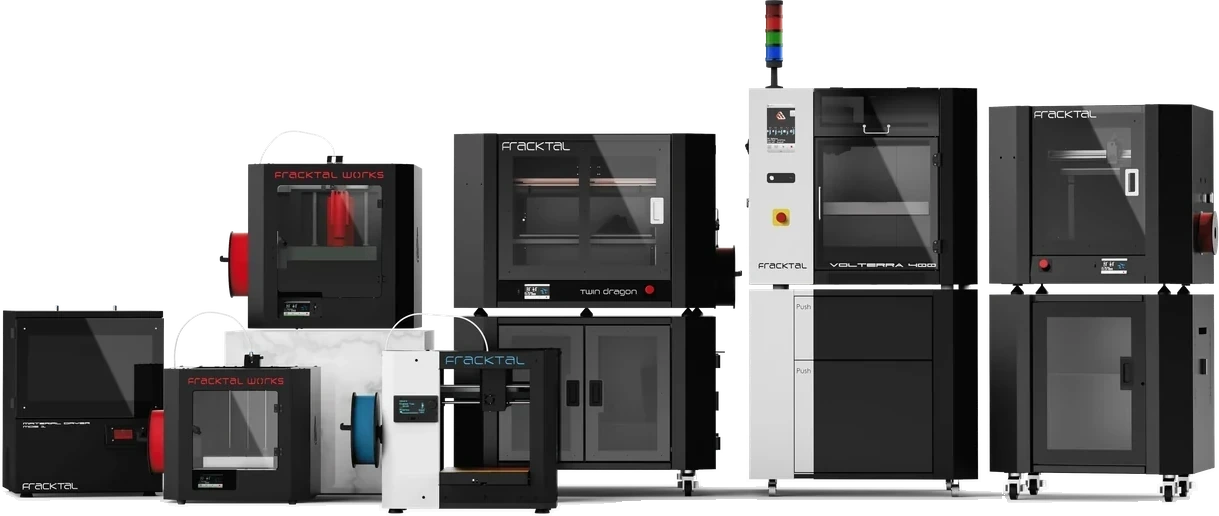 Which printer?The six questions that settle a purchase
 Industrial rangeDragon, Twin Dragon, Volterra, Apollo
 FDM 3D PrintingEngineering polymers, one-off to small batch
 SLS 3D PrintingNylon powder bed, no supports, full freedom
 HP MJF 3D PrintingProduction-rate Multi Jet Fusion parts
 SLA 3D PrintingFine-detail resin for masters and models
 Vacuum CastingSilicone tooling for 10–50 identical parts
 Finishing & AssemblySanded, painted, inserted, assembled
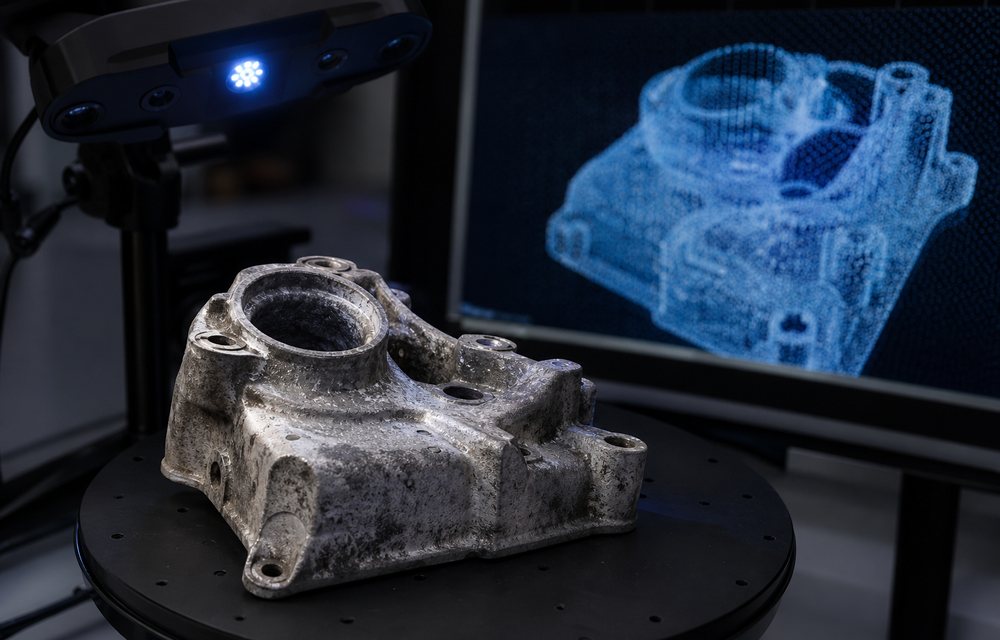 Reverse EngineeringScan to CAD for parts with no drawing
 Quality AssuranceDimensional and material verification
 Consulting & DesignDfAM, material selection, process design
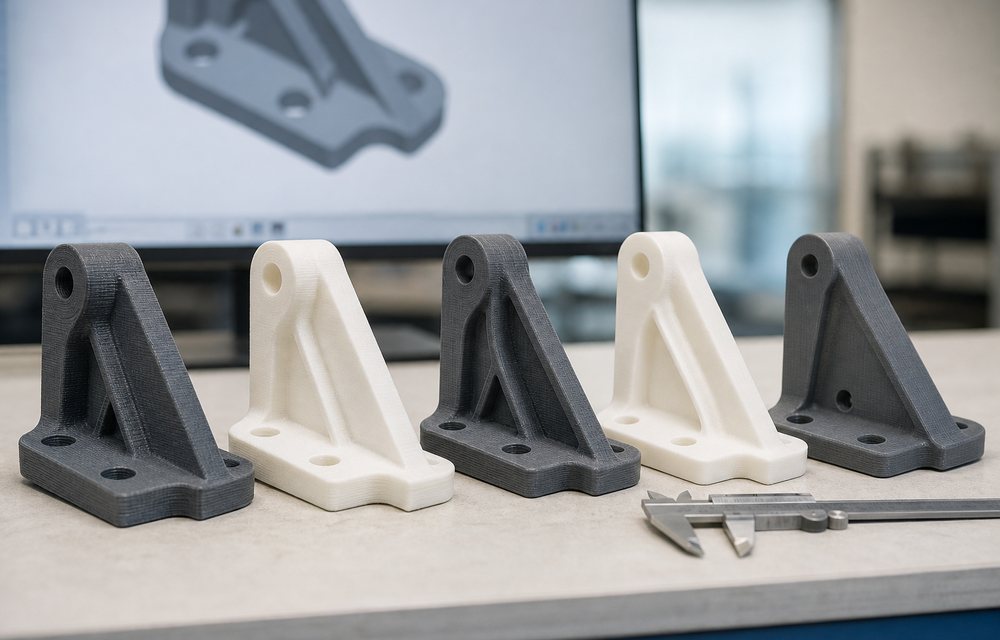 Functional PrototypingTest it, do not look at itEnd-Use PartsProduction without a tool
 Jigs & FixturesTooling, overnight
 Manufacturing AidsThe parts that keep a line moving
 Automotive PrototypesCabin, under-bonnet and the line
 Robotics PartsBuilt to the cell, not the catalogue
 Drone & UAV PartsEvery gram is a decision
 Architectural ModelsScale, detail and a deadline
 Medical & Anatomical ModelsOne patient, one part
 Cosplay & PropsWearable, paintable, on time
 AutomobileJigs, fixtures and cabin prototypes
 EngineeringFunctional prototypes and tooling
 HealthcareAnatomical models and device development
 ManufacturingLine-side tooling and spare parts
 EntertainmentProps, costume parts and set pieces
 JewelleryCastable masters and rapid sampling
 DentalModels, trays and surgical guides
 MedicalInstrumentation and patient-specific parts
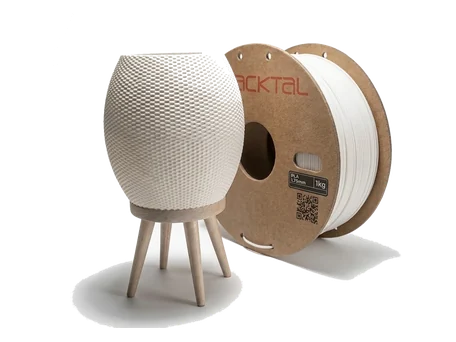 PLAEasy, fast, dimensionally sweet
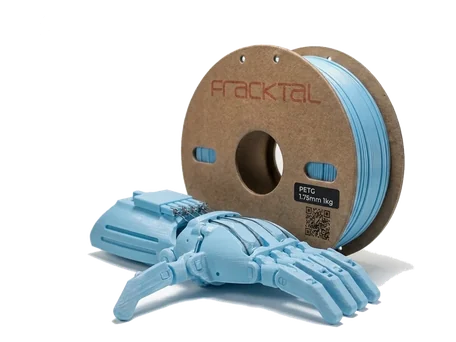 PET-GTough, clear, food-safe capable
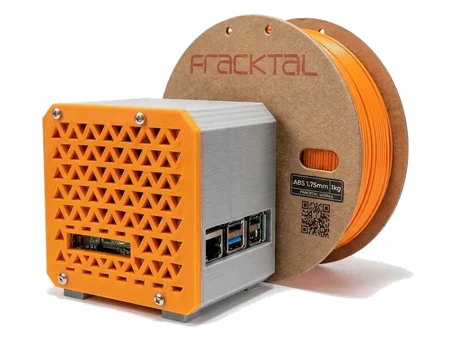 ABSHeat-resistant, machinable classic
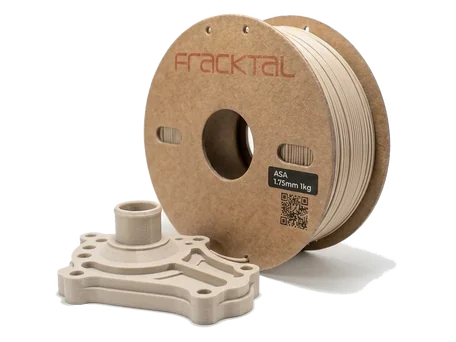 ASAUV-stable, outdoor grade
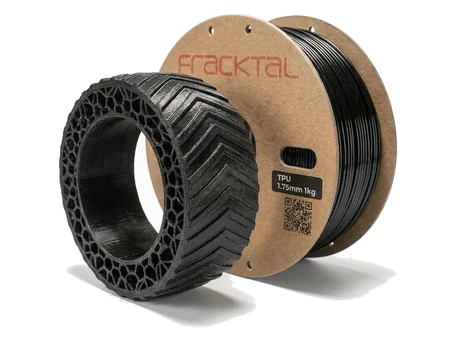 TPU 95AFlexible, abrasion resistant
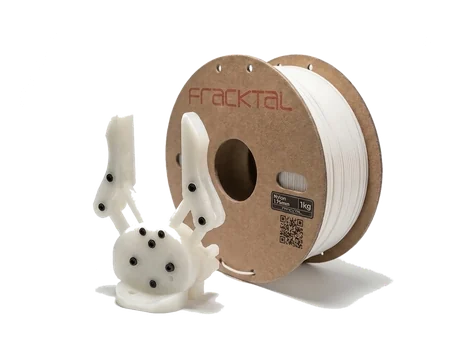 Nylon PA12Tough, low-friction, wear resistant
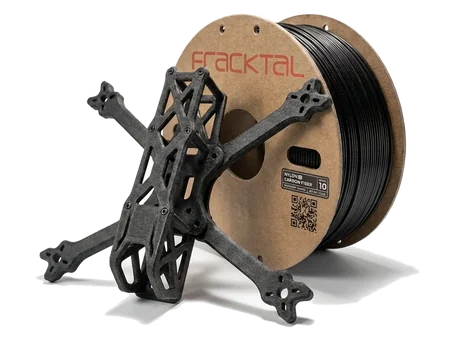 CF-NylonStiff, light, metal-replacement
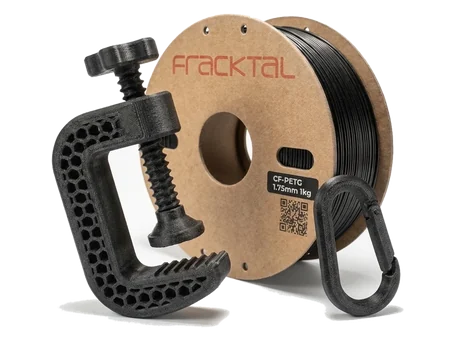 CF-PETGStiffer PETG, matte finish
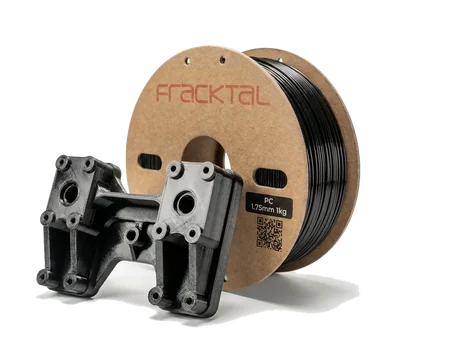 PolycarbonateHighest heat and impact
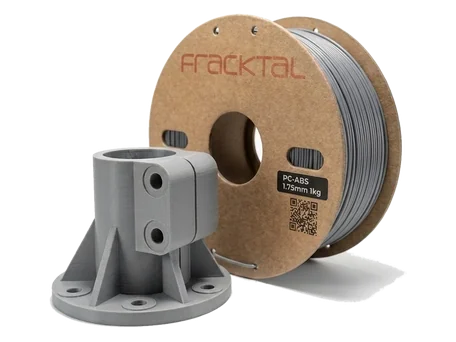 PC-ABSPC strength, ABS manners
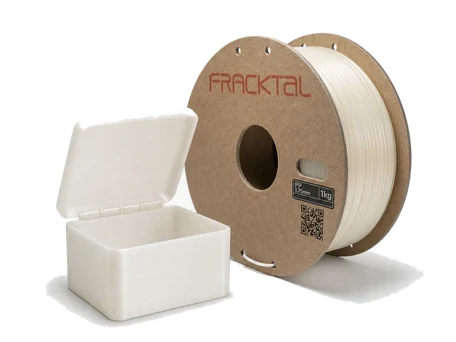 PPChemical resistant, living hinges
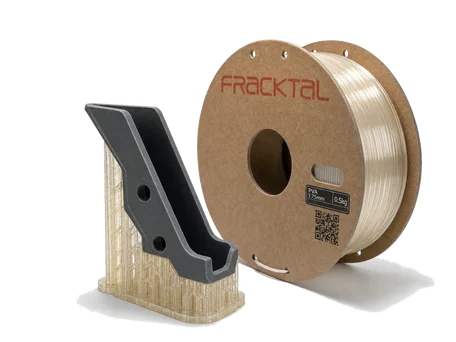 PVAWater-soluble support material
 Knowledge BaseSetup, maintenance and troubleshooting
 Download FracktoryOur slicer, free for every printer
 FAQsThe questions we are asked most
 BlogApplications, teardowns and technique
 Events & NewsWhere to find us next
 Our PartnersResellers and channel partners
 CareersBuild machines with us in Bangalore
 Research & EducationMachines and support for labs and classroomsBed adhesion guideWhy prints lift, and how to stop it
 For educationLabs, classrooms and the student discount